Freelance client onboarding is the short stage after the work is agreed and before production starts. Its job is to create one shared record of scope, contacts, access, money and communication, so the first week is spent working instead of chasing logins and answers. The checklist below is for direct, off-platform clients. It fits one-off projects and ongoing work, and it can be done in a single kickoff message or a short call followed by a written summary.
What must already be agreed
Onboarding does not decide the deal. Before kickoff, three things should already be settled:
Scope: what will be delivered, and what is not included.
Fee: the price or rate and the unit it applies to.
Timeline: the start date, any milestones, and the final delivery date.
These belong in a written agreement. If the work is a small first project, the guide on how to scope a one-off covers how to define it before saying yes. If any of the three is still open, close it first. Onboarding a client into an unclear job only moves the confusion later.
A freelance kickoff checklist
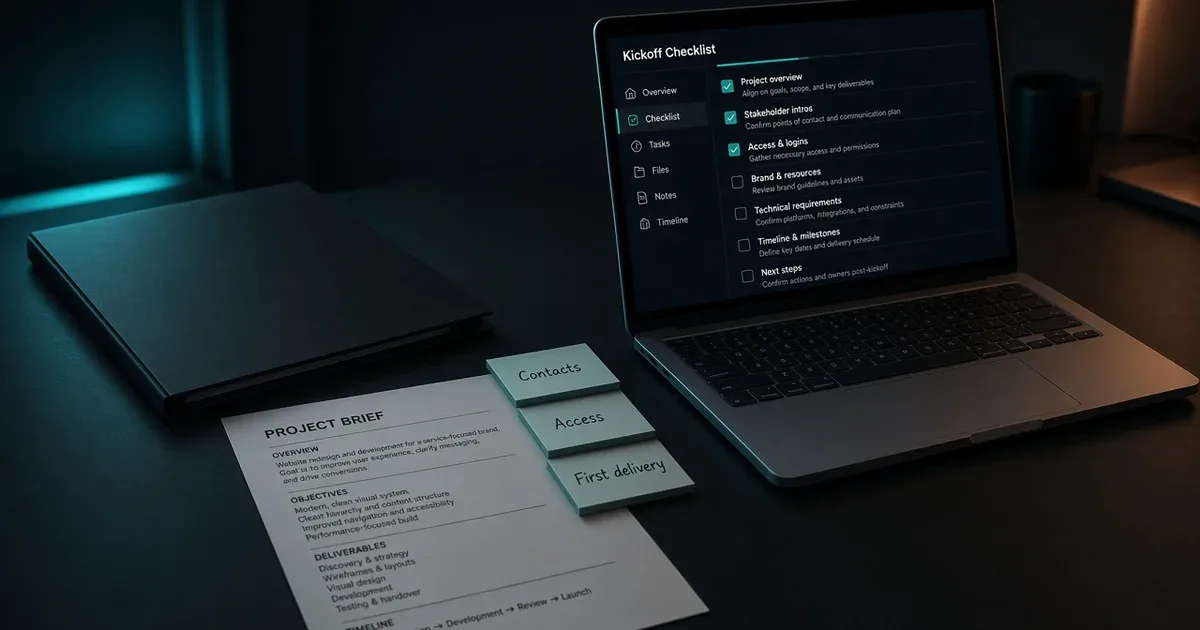
Work through these items before production starts. Each one can be a single line in a kickoff message.
Contacts and decision maker
Who is the day-to-day contact?
Who gives final approval on deliverables? This is sometimes a different person.
Who handles invoices and payment, if that is someone else?
Is there anyone else who will send feedback, and whose feedback takes priority if two people disagree?
Knowing the approver early prevents a common problem: work signed off by one person and later rejected by another.
Access, files and tools
List everything needed to do the work and ask for it in one message:
Logins or user invitations (a site admin, a design file, a shared drive, an analytics account).
Brand assets, style guides, existing copy, or previous versions of the work.
Reference examples the client likes or dislikes.
Ask clients to invite you as a user rather than share their own passwords where the tool allows it. Note what you received and when, so a missing item is easy to spot.
Communication channel and response window
Agree on one main channel, such as email or a shared chat, and keep project decisions there. Then state a response window, for example replies within one working day, and the hours you are normally available. The exact window is your choice; the point is that both sides know it.
Also agree how feedback arrives: comments in the file, one consolidated email, or a short call. Consolidated feedback from the approver saves rounds of conflicting edits.
Payment and invoice timing
Confirm when invoices will be sent (upfront, per milestone, on delivery, or monthly), who receives them, and how payment is made. If a deposit was agreed, confirm it is paid before production starts.
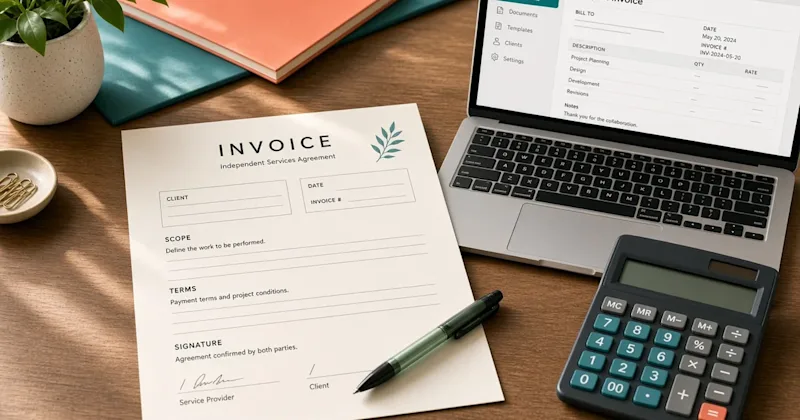
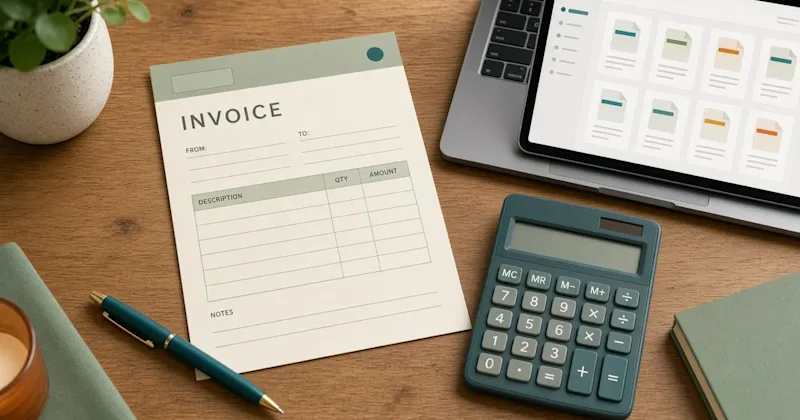
To prepare the invoice itself, the invoice generator tool lists the fields a clear invoice needs, such as both parties, a unique number, issue and due dates, the work and amounts, and how to pay. A separate guide on writing the invoice in full will follow.
Start date and first deliverable
Name the start date and the first thing the client will see: a draft, an outline, a wireframe, a first batch. A visible first deliverable early in the project confirms that both sides understood the brief the same way.
Confirm the scope in writing once more
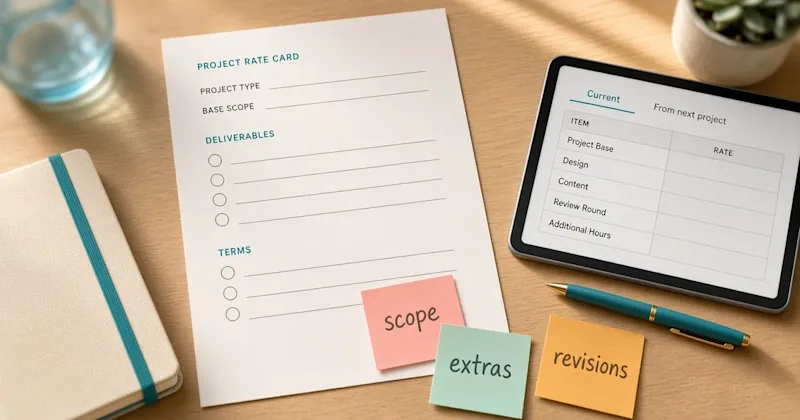
Even when a contract exists, restate the scope in the kickoff summary in plain language: what will be delivered, how many revision rounds are included, and what is outside the job. This is not a renegotiation. It is a check that the person running the project day to day has the same understanding as the person who signed.
If something in the restated scope surprises the client, it is far cheaper to resolve now than after the first draft. Later requests that go beyond the confirmed scope can then be handled as separate change requests with their own price and timeline.
A short kickoff note
The example below is illustrative. Adapt it to the project and send it after the agreement is signed or confirmed.
Subject: Kickoff for [project name]
Hi [Name],
Thanks for confirming [project]. To start on [start date], here is a quick summary and a few things needed from your side.
Scope: [one or two lines]. Included: [revision rounds]. Not included: [items].
Contacts: day-to-day with you; final approval by [name]; invoices to [name/email].
Access needed: [list].
Communication: [channel]; replies within [response window], [working hours].
Payment: invoices [timing], paid by [method].
First deliverable: [item] by [date].
Please reply to confirm or correct anything above.
The reply to this message becomes a simple written record of how the project will run.
If the job is on Upwork or Fiverr
Work agreed on a marketplace follows that platform's contract, payment and messaging flow, and the conversation should stay on the platform. For Upwork jobs, the post on Upwork kickoff steps covers the first message and the first milestone. This checklist does not replace those platform steps; it is for clients you contract with directly.
When onboarding is skipped
Projects that start without onboarding tend to run into the same problems:
Work stalls in the first days because access has not arrived.
Feedback comes from several people with conflicting requests.
The approver sees the work late and asks for changes that reopen the brief.
Nobody agreed when the invoice would be sent, so payment timing becomes a negotiation at the end.
Small extra requests blur into the original scope because the scope was never restated.
None of these needs a long process to prevent. A single kickoff message with the checklist above, and a reply from the client confirming it, covers most of them.
The next step for a new direct client is to copy the checklist headings into a message, fill in what is already known, and ask the client to supply the rest before the start date.