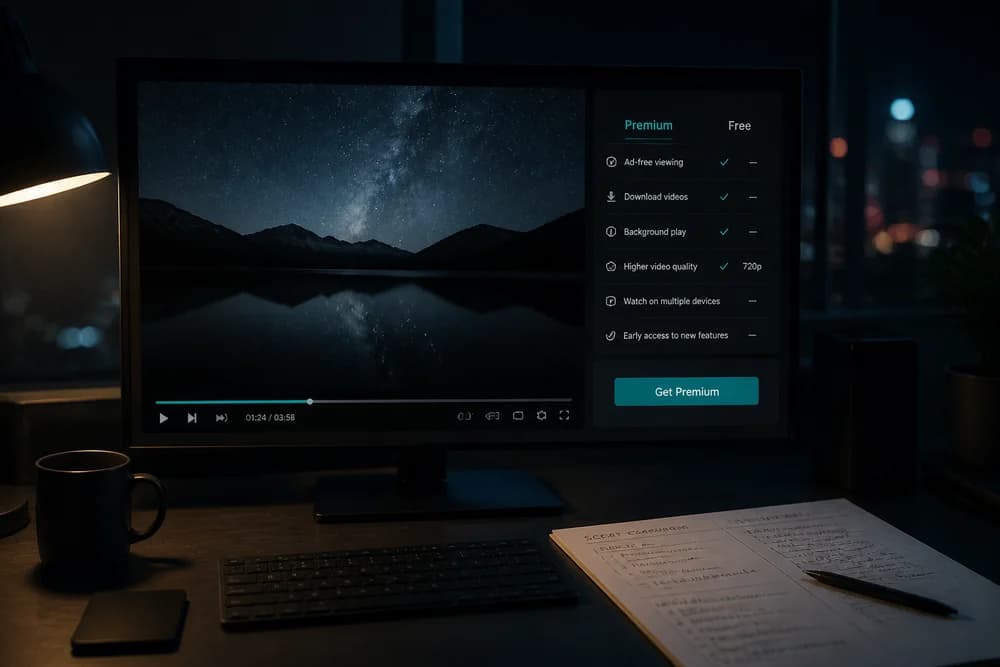
YouTube Premium vs free is less about which option is “better” and more about how you watch and create. Free YouTube still works for most people. Premium is a paid subscription that removes many interruptions and adds convenience features. This guide compares both sides for viewers and for content creators so you can decide without marketing noise.
If you are still sorting out how free subscriptions, Premium, and paid creator perks differ, start with Are YouTube Subscriptions Free?. That article covers the basics this comparison builds on.
What free YouTube includes
Free YouTube gives you the full catalog of public videos, Shorts, live streams (when public), comments, playlists, and channel subscriptions. You can watch on phone, TV, desktop, and most browsers without paying YouTube a monthly fee.
What you accept in return:
Ads before, during, or beside many videos
Occasional promotional surfaces and recommendations that push paid features
Limited offline options compared with Premium
Background play rules that are tighter on mobile apps than on Premium
For casual viewing a few times a week, free is usually enough. For heavy daily use, the friction adds up even if the sticker price of Premium feels high.
What YouTube Premium typically adds
Premium is YouTube’s paid plan. Exact pricing and bundle details vary by country and plan type, so treat fees as something to confirm in the YouTube or Google Play billing screen for your account. Common Premium benefits include:
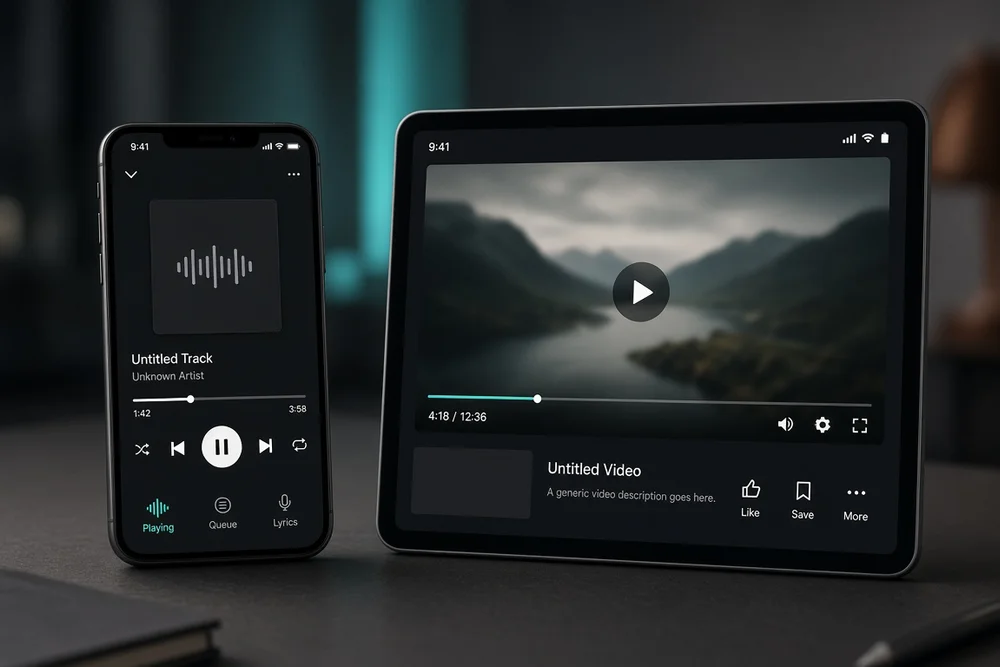
Ad-free viewing on most YouTube content in supported apps
Background play (audio continues when you switch apps or lock the phone)
Offline downloads for many videos so you can watch without data
Access to YouTube Music Premium features on plans that include it
Premium does not replace good content, nor does it guarantee every creator’s video will reach you. It changes the watching experience. It does not buy you better search rankings as a creator.
YouTube Premium vs free: side-by-side
Feature | Free YouTube | YouTube Premium |
Cost | No YouTube subscription fee | Paid monthly (or family/student plans where offered); price varies by country |
Ads on videos | Common on many videos | Removed for most eligible videos |
Background play | Limited on official mobile apps | Included on supported devices |
Offline downloads | Not the full Premium download experience | Download many videos for offline viewing |
YouTube Music | Free tier with limits/ads | Often included with Premium (confirm your plan) |
Catalog access | Full public catalog | Same public catalog, smoother playback |
Creator earnings from you | Ad impressions when ads play (if the creator is monetized) | Premium revenue share from eligible Premium watch time |
Use the table as a decision map, not a promise that every feature works the same on every device. TV apps, browsers, and third-party players can behave differently.
How the choice feels for viewers
Choose free if
You watch YouTube a few times a week and ads do not bother you much
You mostly watch on a laptop or smart TV where background play matters less
You already skip a lot of content and do not need offline libraries
You want zero recurring Google/YouTube charges
You are fine managing playlists and watching when you have a connection
Free still lets you subscribe to channels, hit the bell, leave comments, and build a watch history. Paying is optional for participation.
Choose Premium if
You watch for hours most days and ads break your focus
You listen to long videos or podcasts-style uploads while multitasking on mobile
You commute or travel and need offline downloads without burning mobile data
You want YouTube Music without a separate music subscription (when your Premium plan includes it)
Someone else in your household already pays for a family plan you can join legally
If you are unsure, run a short test: note how many ads you sit through in a normal week and whether background play or downloads would change how you use the app. That personal tally beats any generic “worth it” claim.
What creators should know about Premium vs free viewers
Creators often worry that Premium “kills ads.” In practice, eligible creators can still earn when Premium members watch. YouTube shares Premium subscription revenue based on how much Premium viewers watch your content, under current Partner Program rules. Free viewers can generate ad revenue when ads are shown and the channel is monetized.
What this means in plain terms:
Free and Premium audiences both matter
Do not optimize only for one watcher type
Your job is still clear titles, strong hooks, and consistent uploads
Platform subscriptions are not the same as YouTube channel memberships, which are optional paid community tiers you control
If you are early in your channel, focus on watchable videos and honest growth before you spend energy debating Premium economics. Practical growth habits beat subscription debates every time. See how to get more YouTube subscribers without buying them when your bottleneck is reach, not playback mode.
Common mistakes when deciding
Treating Premium as a creativity tool. Premium does not edit your videos, write scripts, or fix weak thumbnails. It is a viewer product first.
Assuming every ad-free moment means zero creator pay. Monetized channels can still earn from Premium viewing. The mechanism differs from classic ads, but it is not “watch for free with no creator upside.”
Comparing only sticker price. Price alone is incomplete. Multiply how often you use the features you care about. Someone who downloads offline lectures daily gets different value than someone who opens YouTube twice a weekend.
Confusing Premium with “support creators.” Direct support looks more like Super Thanks, channel memberships, merch, or tipping tools a creator enables. Premium supports the platform experience and still can fund eligible creators through revenue share.
Ignoring family or student options. Where available, these plans change the math. Check eligibility in your account instead of assuming the individual plan is your only path.
A simple decision checklist
List your top three YouTube use cases (for example: commute audio, weekend binge, research clips).
Mark which need ad-free play, background audio, or offline downloads.
Confirm current Premium pricing and trial terms for your country in YouTube settings or the store listing.
If you create content, separate viewer comfort from channel strategy. Your upload plan does not require Premium.
Revisit the choice after 30 days of real usage, not after one annoying ad.
New creators who are still setting up branding, upload cadence, and basic channel settings may get more from a solid launch plan than from a paid watching app. How to start a YouTube channel in 2026 walks through that foundation.
Bottom line
YouTube Premium vs free comes down to interruption cost and convenience. Free is the right default when ads are tolerable and you watch lightly. Premium is worth considering when background play, downloads, and ad-free sessions are part of how you actually use YouTube every day. For creators, treat both viewer types as real audience. Build videos people finish, then choose memberships, Premium viewing habits, and growth tactics as separate decisions.