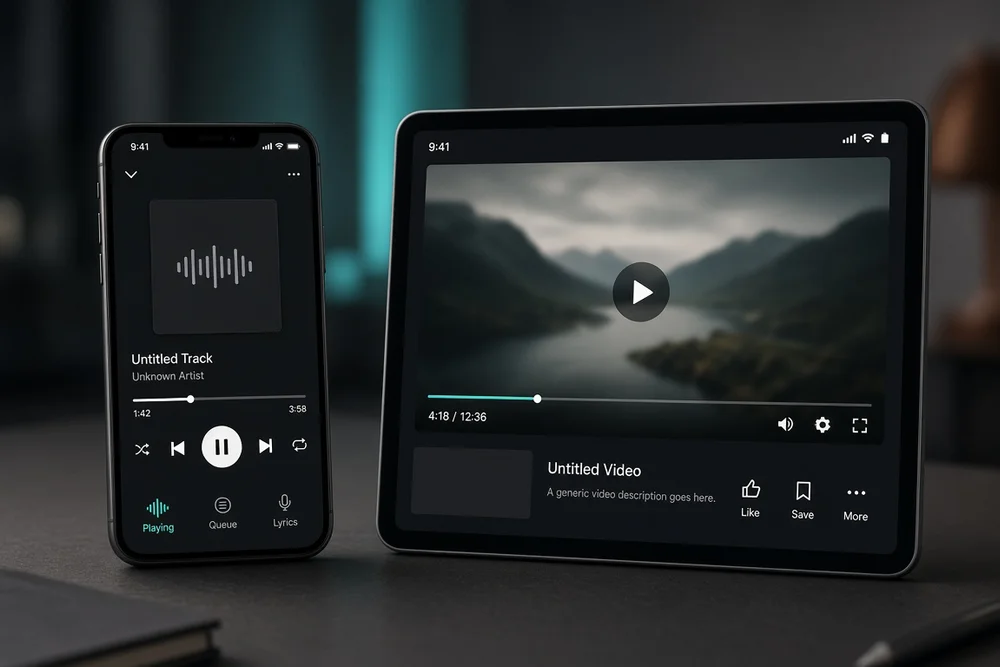
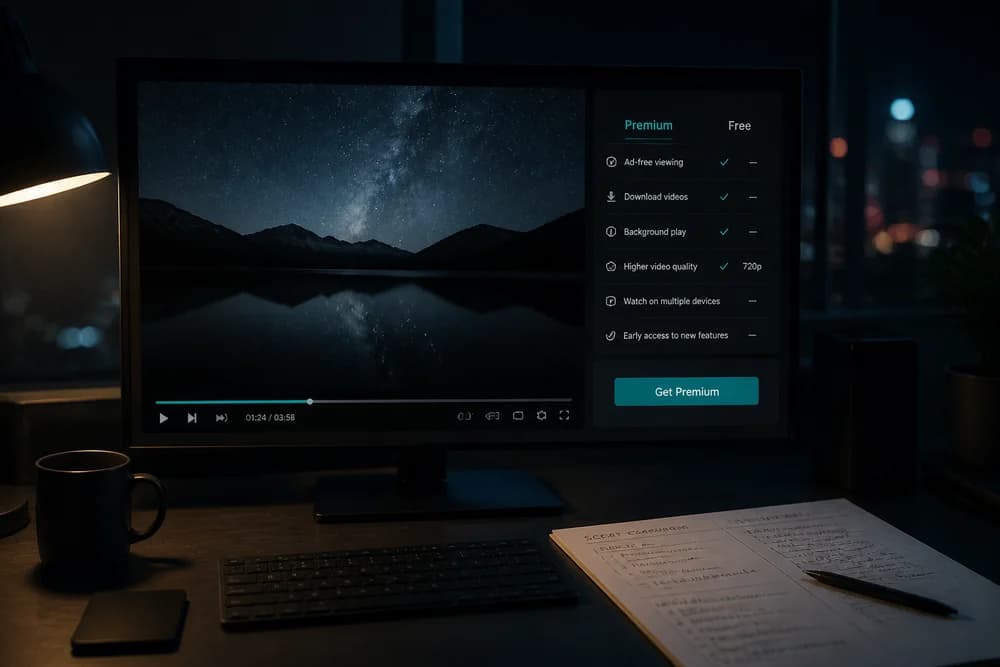
YouTube Premium includes a bundle of viewer features: fewer ads on YouTube, background play, offline downloads on supported devices, and YouTube Music Premium benefits under one membership. Some markets also offer narrower tiers such as Premium Lite with fewer perks.
This page is the feature map. For product basics, see What Is YouTube Premium and How Does It Work?. For whether those features justify the price, use Is YouTube Premium Worth It? Pros and Cons Explained.
Core benefits most members care about
Ad-free viewing on YouTube
Premium members get YouTube with most standard video ads removed. That covers the usual pre-roll and mid-roll experience free users know well.
What it does not magically erase:
Sponsorship reads and brand deals inside the video itself
End screens, cards, and creator CTAs
Occasional system or promotional notices YouTube may still show
If “no platform ads” is your main goal, Premium delivers. If you want a world with zero selling of any kind, no consumer subscription can promise that.
Background play
On supported mobile apps, playback can continue when you switch apps or turn off the screen. This is the feature that turns long videos into commute audio.
It matters most for:
Podcast-style uploads
Lectures and tutorials you already understand visually
Music videos and live sessions you treat as audio
Offline downloads
Premium lets you download videos (and music, via the Music benefits) inside official apps for offline playback. Useful for travel and limited data.
Practical notes:
Downloads happen in the app, not as freely shareable files for any player
You generally need an active membership for ongoing offline access under YouTube’s rules
Storage space on your phone still matters; offline libraries get large fast
YouTube Music Premium included
Standard YouTube Premium typically includes YouTube Music Premium. That adds ad-free music listening, background play, and downloads in the Music app.
If you only want those music features, compare plans in YouTube Music Premium vs YouTube Premium: What’s the Difference? before you pay for the full video bundle.
YouTube Kids related benefits
Premium membership can improve the YouTube Kids experience for your household setup (ad experience and related Premium benefits as offered in your region). Parents who already use Kids profiles often care about this more than feature-list shoppers.
Features people assume are included (but are not)
Premium does not mean:
Automatic channel memberships to your favorite creators
Higher upload privileges if you are a creator
Guaranteed better recommendations
A license to reupload or redistribute downloaded videos
Free access forever after one payment (it is a subscription)
Channel subscriptions (the follow button) remain free and separate. See Are YouTube Subscriptions Free? Complete Guide for Content Creators. Fan-paid creator perks are channel memberships, which are a different product.
Plan-based differences that change what you “include”
What you include depends on which membership you buy:
Plan type | Typical inclusion focus |
Individual Premium | Full Premium benefits for one account |
Family Premium | Full benefits for eligible household members |
Student Premium | Premium benefits at a student price where offered |
Music Premium | Music-focused benefits, not full YouTube video Premium |
Premium Lite (some markets) | Smaller ad-focused feature set at a lower price |
Family and Student rules are easy to get wrong. Read YouTube Premium Family Plan: How It Works and Who Can Use It and YouTube Premium Student Plan: How It Works and Who Is Eligible before you pick those paths.
Pricing for each shape is covered in How Much Does YouTube Premium Cost? Plans and Pricing Explained.
Device checklist: where features show up
Premium follows the signed-in account across:
Phone and tablet apps
Desktop/web YouTube
Many smart TV and living-room apps
YouTube Music apps
If a feature “disappeared,” check:
Correct Google account signed in
App updated
Feature supported on that device type in your country
Membership still active (failed payment is a common silent killer)
Premium vs free feature snapshot
Feature | Free | YouTube Premium |
Watch videos | Yes | Yes |
Most platform ads | Yes, frequent | Mostly removed |
Background play | Limited | Yes on supported apps |
Official offline downloads | No typical access | Yes on supported apps |
YouTube Music Premium perks | Not included by default | Included with standard Premium |
Creator catalog access | Yes | Yes |
Free already includes the library. Premium includes comfort features on top.
Which benefits matter by persona
Commuter: background play + downloads
Binge watcher: ad-free long sessions
Parent with Kids profiles: cleaner Kids experience + household controls via Family where used
Music-first user: Music inclusion (or Music-only plan)
Occasional searcher: probably none enough to justify Individual pricing
For a blunt buy/skip framework, use Is YouTube Premium Worth It? Pros and Cons Explained or the free comparison in YouTube Premium vs Free: Is It Worth It?.
Creators: what Premium means for your audience
If you make videos, Premium viewers still count toward your ecosystem. Premium is not a substitute for packaging, titles, and consistency. Audience growth tactics belong in guides like How to Get More YouTube Subscribers Without Buying Them, not in a Premium feature list.
Next step
List the two features you would use this week. If they are ad-free video plus Music, full Premium fits. If they are Music only, compare Music Premium. If they are “maybe downloads someday,” stay free until the habit is real. Then confirm the live plan price for your country before you subscribe.