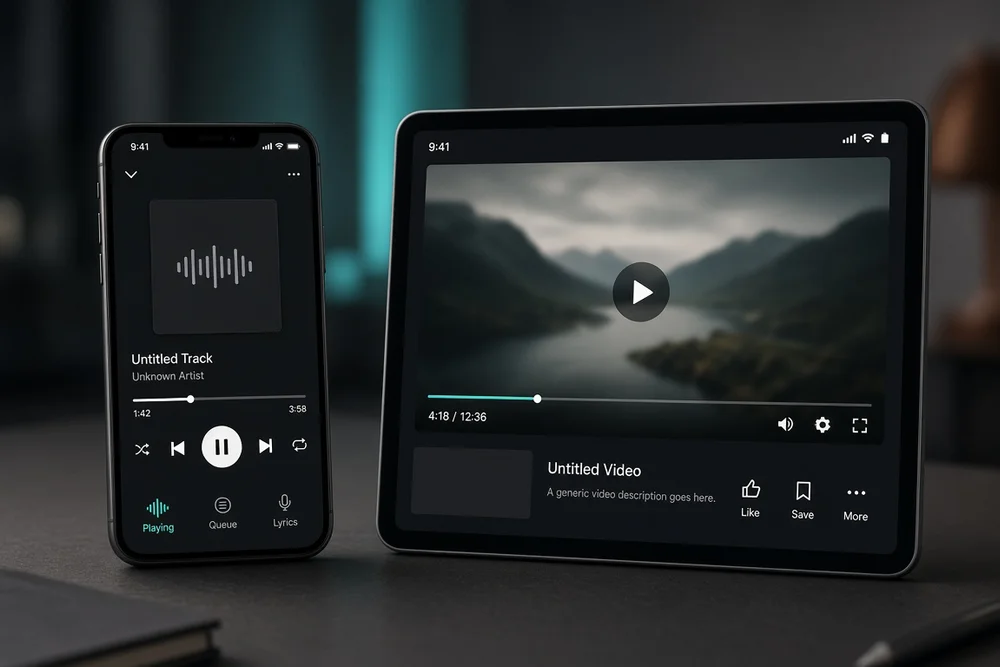
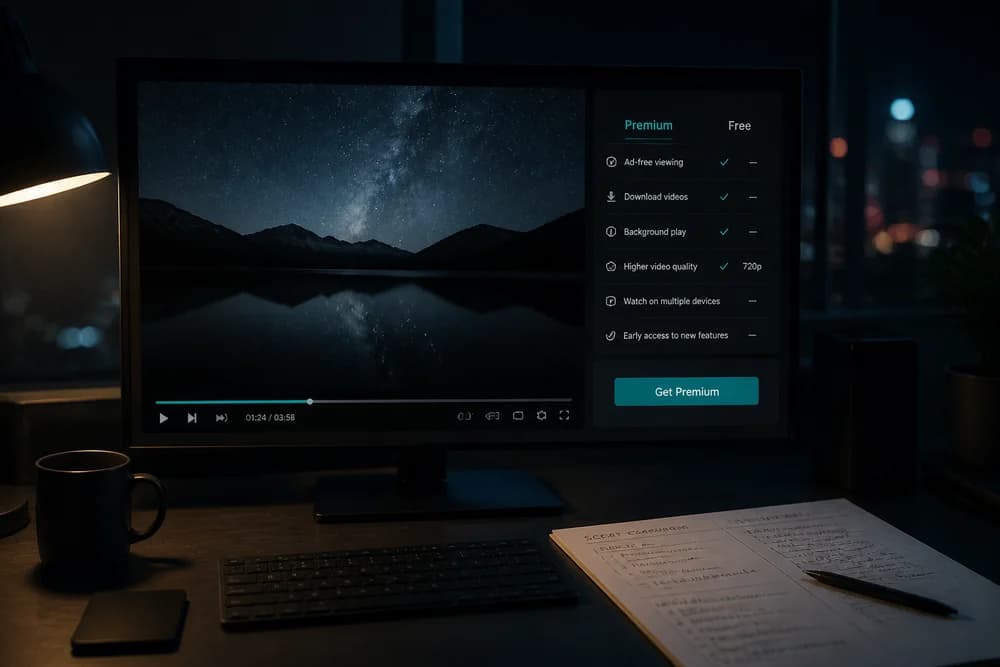
YouTube Premium is Google’s paid membership for YouTube. In plain terms, you pay a monthly (or sometimes annual) fee so everyday watching is less interrupted: fewer ads, background play on mobile, offline downloads where supported, and access to YouTube Music Premium features under the same membership.
It is not a separate video site. You keep using YouTube as usual. The membership sits on your Google account and unlocks paid features while you are signed in.
If you only want a free-vs-paid decision tree, compare options in YouTube Premium vs Free: Is It Worth It?. This article explains what Premium is and how the product actually works day to day.
What you get with YouTube Premium
Exact packaging can change by country, but Premium memberships usually center on these benefits:
Ad-free viewing on much of YouTube (with limited exceptions YouTube documents)
Background play so audio can continue when you leave the app or lock your phone
Offline downloads for videos and many music tracks on supported mobile apps
YouTube Music Premium included, so you get the music app’s paid features without a second music-only subscription
Access on YouTube Kids benefits where Premium applies to that experience for your household setup
Premium is built for heavy watchers and people who already treat YouTube like a primary entertainment or learning app. Light users who open it twice a week often feel less urgency.
For a feature-by-feature breakdown, see What Does YouTube Premium Include? Features and Benefits Explained.
How membership works on your account
YouTube Premium is tied to a Google account.
Typical flow:
You choose a plan (Individual, Family, Student, and in some markets other tiers such as Lite)
You pay through Google Play, the web, or another supported billing path
Benefits unlock on that account (and on invited Family members when you use a Family plan)
You stay signed in on each device where you want Premium features
If you sign out, switch accounts, or use a browser profile that is not logged into the Premium account, you fall back to the free experience. That is the most common “Premium is not working” issue.
Plans in brief
YouTube sells different membership shapes depending on market:
Individual: one account
Family: multiple members in one household, subject to YouTube’s household rules
Student: discounted Individual-style benefits for verified students where offered
Music-only: YouTube Music Premium if you only want the music product
Lite (some markets): a cheaper tier with a smaller feature set (often ad reduction without the full Premium bundle)
Prices and availability vary by country and billing platform. For current plan math, use How Much Does YouTube Premium Cost? Plans and Pricing Explained. Family and student rules get their own guides: YouTube Premium Family Plan: How It Works and Who Can Use It and YouTube Premium Student Plan: How It Works and Who Is Eligible.
How ad-free watching actually feels
On Premium, most videos play without the usual pre-roll and mid-roll ads that free users see. That is the feature most people notice first.
A few practical caveats:
Some promotional or system notices can still appear
Availability and exceptions follow YouTube’s current policies
Premium does not remove every form of creator promotion inside a video (sponsorship reads, end screens, and cards can still be there)
If your goal is “zero commercial interruption forever,” Premium removes a large class of ads, not every marketing moment on the platform.
Background play and downloads
Background play matters if you listen to long videos, podcasts uploaded as videos, or lectures while using other apps. On supported mobile apps, audio can continue when the screen is off.
Downloads matter for travel, weak data plans, and commuting. You download inside the official app to devices that support offline playback. Downloads are for Premium members under YouTube’s terms, not a general “save any file forever” tool, and they can expire or need refresh depending on app rules.
These two features alone are why many mobile-heavy users upgrade even if they were willing to tolerate some ads on a TV.
YouTube Music inside Premium
YouTube Premium typically includes YouTube Music Premium. That means the music app’s paid listening features (ad-free music, background play, downloads) come with the broader membership.
If you only care about music and barely watch YouTube videos, a Music-only plan may be enough. The tradeoff is explained in YouTube Music Premium vs YouTube Premium: What’s the Difference?.
Premium vs free vs creator tools (do not mix them up)
People often confuse three different things:
YouTube Premium - viewer membership for ad-free watching and related perks
Free YouTube with subscriptions to channels - following creators; see Are YouTube Subscriptions Free? Complete Guide for Content Creators
Channel memberships - fans paying a creator directly for badges and perks; see YouTube Channel Memberships: How They Work for Creators
Buying Premium does not automatically make you a channel member of anyone. Subscribing to a channel for free does not give you Premium features.
Who Premium is for
Premium tends to fit if:
You watch YouTube daily and ads feel like a real time tax
You listen on mobile with the screen locked
You want offline libraries for trips
You already wanted a music subscription and live inside YouTube’s catalog
Skip or wait if:
You watch rarely
You mainly use YouTube on a desktop with an ad blocker you trust (and accept the tradeoffs)
A shared Family plan is not possible and Individual pricing feels steep for your usage
For a blunt pros/cons call, read Is YouTube Premium Worth It? Pros and Cons Explained.
How to start using it
High level:
Open YouTube’s Premium offer page while signed into the account you want
Pick the plan that matches your household or student status
Complete payment
Confirm you are signed into that same account on phone, tablet, TV apps, and browser
If you create content yourself, Premium is a viewing product, not a growth strategy. Channel growth still depends on publishing and packaging; start with How to Start a YouTube Channel in 2026 if that is your real goal.
Next step
Decide whether you need video + music together or music alone. Then check the live price for your country and plan type before you commit. Knowing what YouTube Premium is matters less than matching the membership to how you already use the apps.