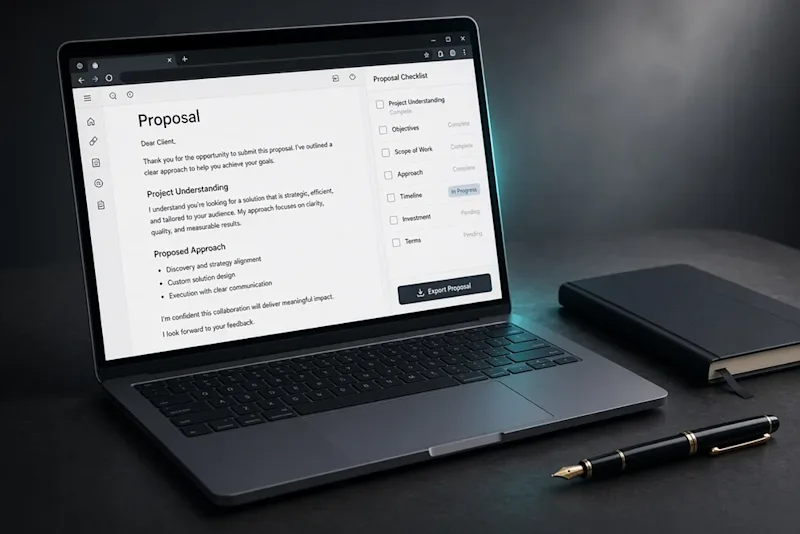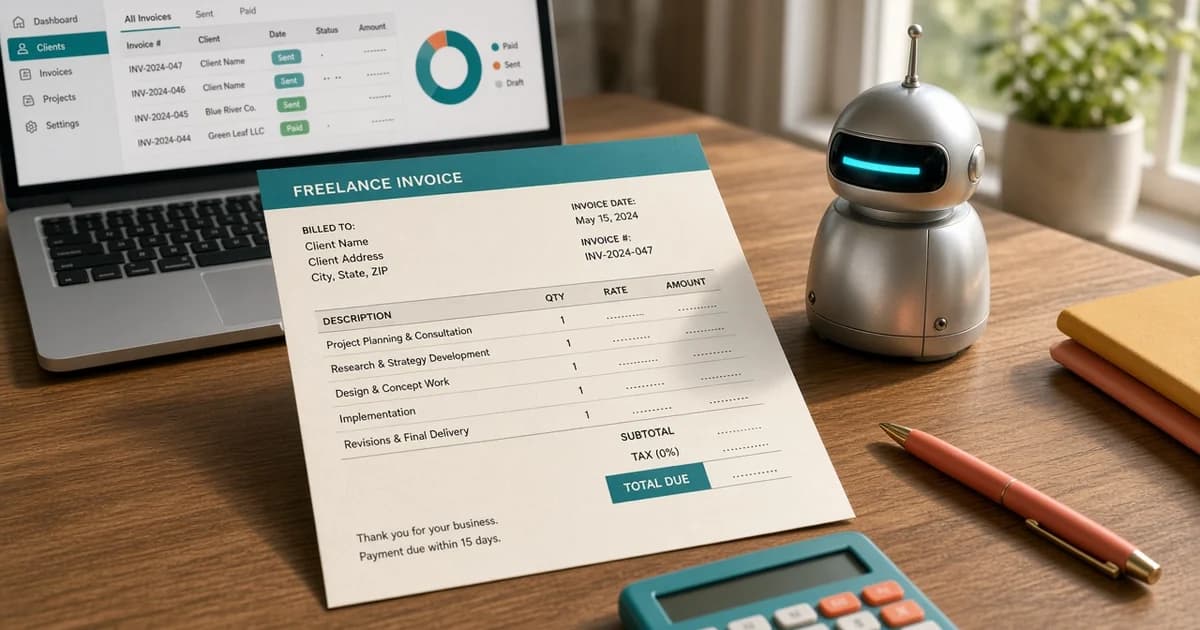
An Upwork auto bidding bot is any tool that finds jobs, writes proposals, or sends them without a person doing each step. Sorting and drafting can sit beside the work. Sending should stay in the browser, done by the freelancer. Upwork's help page treats unapproved automation as a reason for a temporary account restriction or a permanent block, depending on severity and whether it repeats. A product can call itself a helper and still be the kind of access Upwork does not allow.
What an Upwork auto bidding bot usually includes
Upwork auto bidding is a loose label. Tools sold under it tend to do four jobs, and only some of them stay on the safe side of a normal login.
Step | What the tool does | Risk if it talks to Upwork |
|---|---|---|
Alerts | Saves a search and lists new posts | Higher when it scrapes or refreshes pages on a timer |
Scoring | Ranks posts by budget, history, and fit | Low when the person reviews the list |
Drafting | Writes a first version from notes the freelancer supplied | Low when the text is edited before send |
Sending | Clicks Apply and spends Connects | High. This is auto submit |
Alerts are the step people want most, because good posts fill up. Upwork already offers saved searches and, on Freelancer Plus, job alerts based on earlier proposals. A third-party watcher that polls pages, reloads a tab, or keeps requesting data in the background is a different product. Upwork names those patterns on its help page about bots.
What Upwork treats as a bot
Checked 29 Oct 2026, Upwork's help article defines a bot, scraper, crawler, or similar tool as any script, program, browser extension, or third-party service that automatically sends requests to Upwork, collects data, or performs actions faster or more often than a person could. A label that says the tool was built for Upwork does not make it allowed.
The same page describes a narrow permission path. Upwork does not approve exceptions for tools that automate interactions with the site, and using one again can lead to another suspension. The route it describes is an API key request, reviewed against the account and the stated use. Even with a key, spamming proposals or invites, and scraping public or private data, stay off limits. Calling website pages instead of approved API endpoints, mixing a key with browser session cookies, background polling, or using a key outside its scope are listed as common reasons an account gets flagged.
Upwork's site rules also prohibit a robot, spider, scraper, or other automated means of access without express written permission. Read the current terms before connecting an account. Rules change, and a blog post is not a substitute for them.
Leave auto submit off
Auto submit is the feature that applies to a job, spends Connects, and files the proposal while the freelancer is away. That is the action Upwork groups with bots: a program performing the apply step faster or more often than a person would.
A tool may prepare a list and a draft. The freelancer opens the job, reads it, edits the text, answers every question, and clicks Submit. If the product needs the Upwork password, or sends while the screen is locked, it is asking for the step the help page treats as unapproved.
Each weak proposal still spends Connects. Connects are not refunded when a client declines, hires someone else, lets the proposal expire, or when the freelancer withdraws it. They can come back if the client cancels before a contract starts, or if Upwork removes the job post. A bot that files twenty near-copies does not get a discount on those rules. The Connects calculator is the place to price a week of proposals before raising the volume. For the decision of which posts deserve them, see when an Upwork job is worth the Connects.
Job scoring before you spend Connects
Job scoring is a filter, not a promise that the client will hire. Run it on the post before any draft exists. A failed line is a reason to stop. A short pass looks like this:
Payment method is verified, or the client has hire history. Missing verification plus a vague scope is a reason to wait.
Total spend and hire rate show completed work. A low hire rate with many open posts often means most applicants hear nothing.
Recent reviews mention the work itself. Notes on scope changes, late payment, or unread messages matter more than the star average.
The budget can survive the freelancer service fee and still pay for the hours. The fee is variable. A 10% figure is only an example, and the real rate depends on lifetime billings with that client. Price it in the Upwork fee calculator, and read how Upwork fees work.
Connects cost is acceptable for this one post. Multiply the connects required by the price paid per Connect. At the listed example of $0.15, a 16-Connect proposal costs $2.40. Use the price shown at checkout, because confirmed prices change.
The skills in the post match work already delivered. A missing stack, niche, or timezone makes the post a poor place to spend a draft.
Proposal count is still reasonable for the budget. A crowded post priced below the usual rate is a weak bet unless the fit is unusually close.
Write the result as pass, weak, or skip. A hidden score is useful only when the facts behind it are visible.
Proposal drafting without a copied opener
Proposal drafting is the step worth speeding up. It still needs the freelancer's own material. A model can rearrange notes. It cannot invent a project the freelancer never shipped.
Keep a small bank of blocks, each tied to real work:
Two or three sentences on a relevant project: what the client needed, what was built, and what changed afterward.
A short line on stack or niche, specific enough that it would be wrong for an unrelated job.
A question the client did not answer in the post, so the proposal is about their job.
Terms: a range or a fixed price, and what the first milestone includes.
The first lines should name the client's problem, not the freelancer's title. Reusing one opener across every post is how a fast tool becomes obvious. If two proposals in a row could swap their first paragraph and still read the same, the draft is not ready.
Screening questions need the same treatment. Answer them from the post and from real experience. A tool that fills every box with a generic paragraph, or that leaves a required answer blank, wastes the Connects the moment it sends. When a question asks for a sample, a price, or a timeline, write the number that matches the scope. Do not let a template guess it.
For the shape of the final text, use how to write an Upwork proposal that wins jobs. The draft from a tool is a starting file, not the file that gets submitted.
Red flags before connecting a tool
Stop before login details are shared if any of these show up:
The product asks for the Upwork password. A normal workflow does not need it. API access, when Upwork grants it, uses keys and the permission screen Upwork controls.
Proposals go out while the freelancer is offline. That is auto submit, even if the settings call it a boost.
Scoring rules are hidden, so a post can pass for reasons the freelancer cannot check.
The same opening sentence is applied to every job.
The pitch is a pile of bids per day, with no mention of fit, Connects, or the fee.
The tool refreshes search pages, replays clicks, or keeps running in a background tab.
A notes file that never opens Upwork avoids this list. The send still happens in the account, by hand.
Send it in this order
Save one narrow search: skill, budget floor, and client history. A wide search produces more posts and worse fits.
Read the full post, including activity and screening questions.
Mark pass, weak, or skip. Draft only the passes.
Build the draft from the block bank. Edit until the first lines could not fit a different client.
Price the job with the fee and the Connects cost included. Decline the post when take-home pay does not cover the work.
Open the job on Upwork, paste the edited text, answer each question, and submit. Log the connects spent and the outcome.
That order keeps the apply click attached to a person who read the post. Score the next five jobs on paper, draft two, and send those two manually before paying for a faster submit button.