The useful question is "what job is this tool for?", not "which tool is number one?". This is a map of categories, with product names used as examples. Official product pages were opened on 13 November 2026 so those names could be checked. Nothing here is a test, a ranking, or an endorsement, and this article does not publish a price table.
Upwork maintains its own resource, "The 17 Best AI Tools for Freelancers in 2026." That page was opened on 13 November 2026. Its on-page schema lists 3 June 2025 as the last modified date, so its prices and "best" labels are not copied here as a current ranked test.
How to choose a tool without a ranked list
Four checks are enough to start. Does the tool fit the deliverable the client asked for? Can the result be checked before it is sent? What data is being pasted into it, and do the contract and the tool terms allow that? Can the work still be finished if the plan changes or the tool is unavailable? There is no official "must-have" stack.
A writing tool is a poor fit for a finished motion graphic. A video tool is a poor fit for a tax return. Starting from the deliverable keeps the list short, which also keeps cost and data risk down. When two tools seem to do the same job, the deciding questions are still the same: can the output be verified, and is the client's material allowed in that product?
If the client has banned generative AI on the project, that instruction wins. Upwork's Uma Help, checked on 13 November 2026, recommends telling the client about generative AI use and checking that it has not been prohibited. That guidance is for Upwork's own assistant, but the habit travels: read the brief before pasting a client's files into any tool.
Writing, research and client messages
This category is for drafting, editing, summaries, and first-pass research. Examples include a general chatbot such as ChatGPT, Claude, or Gemini, and a writing or grammar assistant such as Grammarly. They can speed up a messy first draft. The sent file still has to be the freelancer's work and has to fit the brief.
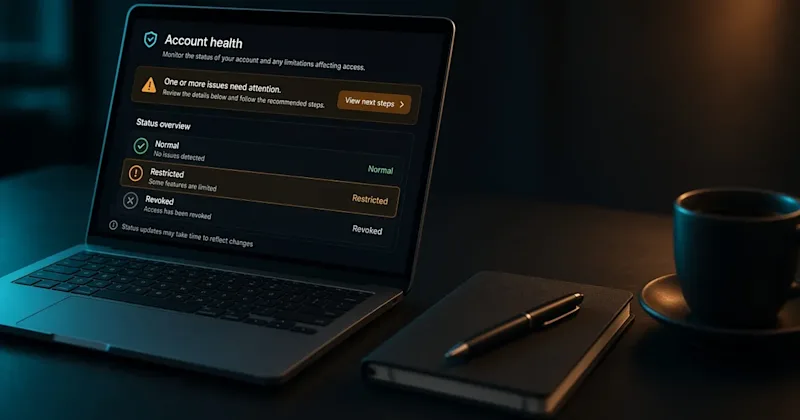
On Upwork, Uma (Upwork's Mindful AI) is built into the platform. Official Help, updated 29 October 2026 and checked on 13 November 2026, says freelancers on a free Basic plan can use a limited number of queries, "approximately 10 messages per week" if they are not on Freelancer Plus, and that Plus members have full access. Help also says clients cannot view Uma chats, and that internal teams may view them if they need to handle a related dispute. Upwork's Uma help page, checked on 13 November 2026, says chat logs are kept for 90 days.
A tool can help with a first draft of a pitch. The guide to drafting a proposal still covers what that pitch has to do.
Whatever the tool, the last read should be by the freelancer. Dates, names, figures, and claims taken from a prompt still need a source. A confident sentence from a chatbot is not a checked fact. If the work will be published under the client's name, that check is part of the delivery, not an optional extra.
Design and images
This category is for layouts, simple graphics, or first-pass images. Examples include Canva, Adobe Firefly, and similar image tools. They are useful for a mock-up or a starting visual. They do not settle who owns the file, whether a likeness can be used, or what the client's brand rules allow. That is not legal advice. Read the tool's terms and the client's brief.
Video tools for freelancers
This category is for script-to-video, editing, captions, voice, or clean-up, used as first-pass help. Examples include Runway, Descript, and ElevenLabs. The freelancer still delivers a finished video the client can use: checked, timed, and in the format they asked for. Video tools are covered here as one category among others, not as a separate list.
OpenAI and Upwork's November 2026 research, opened on 13 November 2026, found that video and animation already made up a larger share of Upwork postings than of ChatGPT use in their sample. That is a demand-mix finding, not a reason to buy a particular app.
Tools for freelance web developers
This category is for code completion, debugging help, or documentation drafts. GitHub Copilot is one official example; general chat tools are also used for this. The freelancer still reviews, tests, and is accountable for what ships. A suggestion in an editor is not a finished feature.
Profile and positioning for developers already live in the guide to developer profile writing. Fees for a site build belong in website project pricing, not in a tools list.
Automation and admin
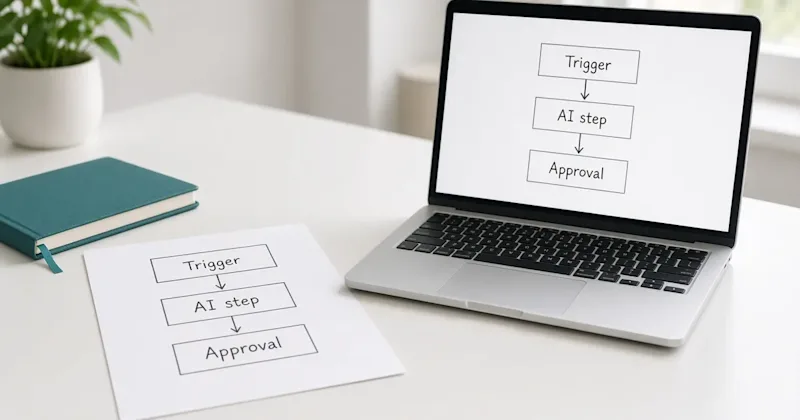
Workflow tools such as Zapier, Make, and n8n are noted here only briefly, as examples of automation software a freelancer might use in the work. Official sites for those products were opened on 13 November 2026. They can connect apps and add an AI step. Make's official FAQ, opened the same day, says a person can build without being a developer, and that a free plan exists with no card required. That is a starting option, not a claim that every client workflow can be built without code. Selling that workflow as a client service is a different job from using a chatbot to draft.
Admin tools (notes, invoices, transcripts) can sit in the same category. Notion AI and Otter are examples. Invoicing itself does not need a generative model; the existing invoice generator tool already covers the fields.
What not to do
Do not paste a client's private files into a tool if the contract or the tool terms do not allow it. Do not deliver unedited output. Do not treat a vendor's "best of" headline as a test this blog ran. Plans and prices change; this article leaves prices out on purpose. Check the official pricing page, and note the date, before paying for a plan.
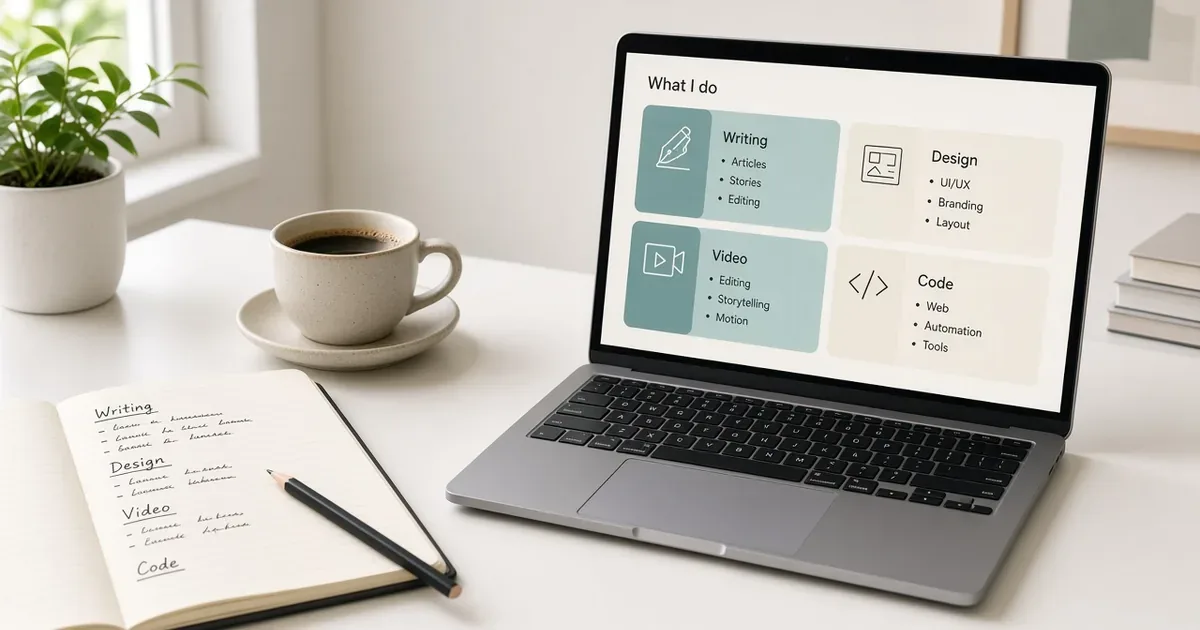
A short category map is easier to maintain than a numbered list that goes stale when a plan name changes. If a tool disappears or its pricing page changes, the job category remains: writing, design, video, development, automation, or admin. Choose from what can actually be checked, then send work that would still stand up if the tool were not there.