
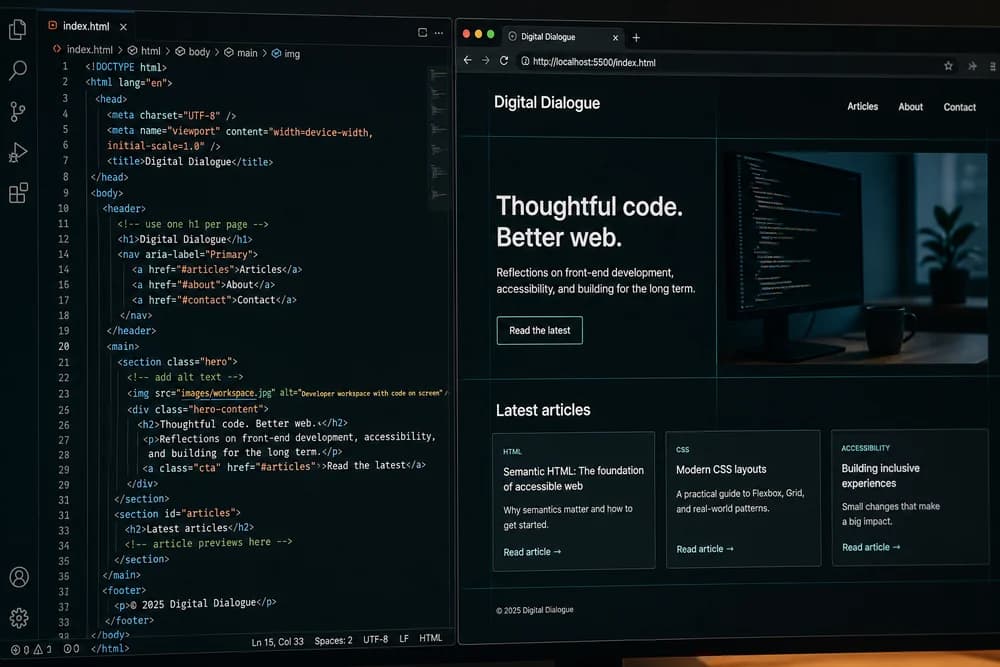
HTML looks simple at first, which is exactly why beginners pick up bad habits quickly. A page may "work" in the browser and still cause accessibility issues, SEO problems, and harder CSS or JavaScript debugging later. The good news is that most HTML mistakes are easy to fix once you know what to check.
If you need a broader refresher first, review HTML in 2026: Still Relevant in the Age of AI. Then use this guide as a practical fix list while building.
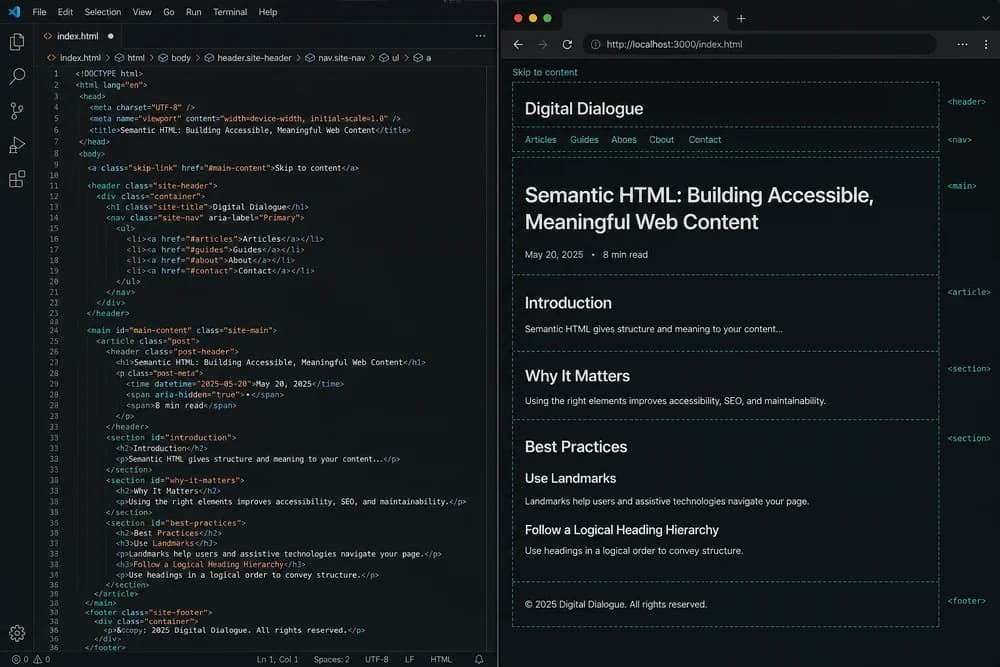
Mistake 1: Using div for everything
The issue: A page with only generic containers has weak structure. Screen readers and search systems lose context, and your team has less clarity when maintaining templates.
The fix:
Use semantic elements like
header,nav,main,section,article, andfooterwhere purpose is clear.Keep
divfor grouping when no semantic element fits.
If you want a reliable page audit flow, use Semantic HTML Checklist for SEO and Accessibility.
Mistake 2: Broken heading hierarchy
The issue: Beginners often pick heading tags based on text size instead of document structure. This creates confusing outlines.
The fix:
Use headings to express hierarchy.
Keep heading order logical.
Style heading size with CSS, not by choosing random heading levels.
A strong structure helps users scan faster and helps search systems understand section topics.
Mistake 3: Missing form labels
The issue: Placeholder text disappears while typing and does not replace labels. Without labels, many users cannot understand fields reliably.
The fix:
Add a visible label for every input.
Associate labels properly with
forandid.Group related options using
fieldsetandlegendwhere relevant.
Form usability improves immediately with these small updates.
Mistake 4: Misusing links and buttons
The issue: Clickable div blocks or links used as fake buttons create keyboard and behavior problems.
The fix:
Use
aelements for navigation.Use
buttonelements for actions.Keep interaction semantics aligned with expected behavior.
This one change reduces many accessibility bugs and JavaScript workarounds.
Mistake 5: Forgetting alt text purpose
The issue: Some images have no alt text, while others get keyword-heavy alt text that helps nobody.
The fix:
Add concise descriptive alt text for informative images.
Use empty alt text for decorative images.
Keep wording functional, not promotional.
Alt text is part of content quality, not just a technical checkbox.
Mistake 6: Invalid nesting and unclosed tags
The issue: Incorrect nesting and missing closing tags can lead to unpredictable rendering and debugging time sinks.
The fix:
Keep indentation clean.
Validate structure frequently.
Inspect generated DOM in devtools if behavior looks odd.
If CSS feels "random," markup validity is often the real root cause.
Mistake 7: Skipping document-level essentials
The issue: Beginners sometimes forget foundational setup like language and viewport metadata.
The fix:
Set
langon the roothtmlelement.Include viewport meta for mobile rendering.
Keep head metadata aligned with page intent.
These basics support accessibility and consistent display across devices.
Mistake 8: Poor list and table semantics
The issue: Using plain containers instead of list or table elements weakens content meaning.
The fix:
Use
ulorolfor actual lists.Use
tableonly for tabular data, not visual layout.Add table headers where appropriate.
Semantic structure makes content easier to parse for humans and tools.
Mistake 9: Weak internal linking decisions
The issue: Pages either have no related links or include awkward links that feel forced.
The fix:
Add contextual links where users naturally need next steps.
Use descriptive anchor text.
Link to genuinely relevant resources.
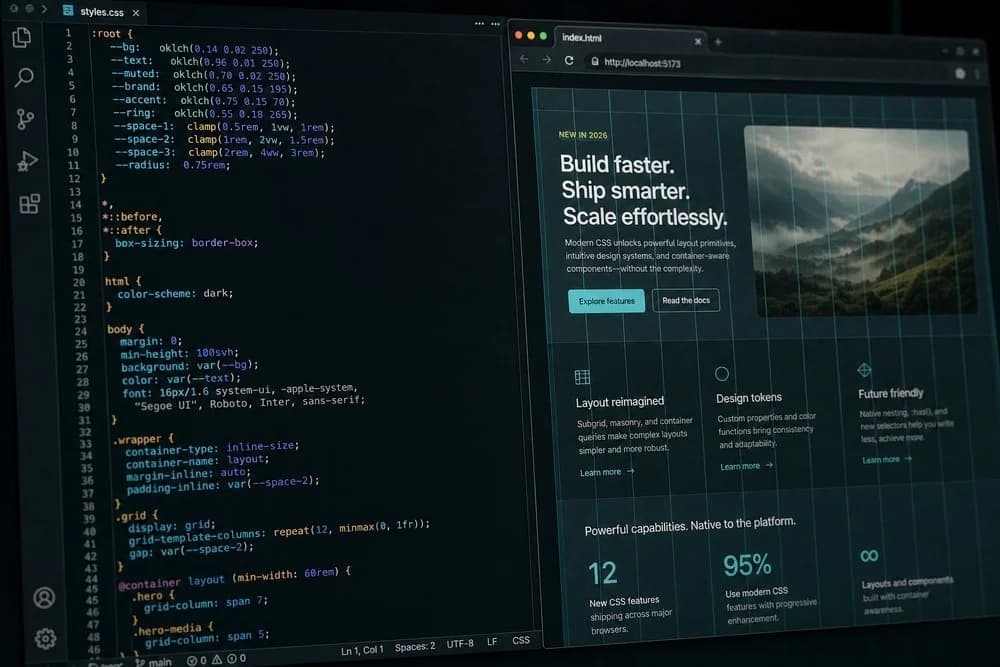
For example, if users finish reading HTML basics and need styling direction, guide them to CSS in 2026: What Still Matters. If they need behavior and interactivity next, point them to JavaScript for Beginners in 2026: What to Learn First.
Mistake 10: Ignoring maintainability while learning
The issue: Beginners often write markup that works for one demo but is hard to scale.
The fix:
Use clear class names tied to component intent.
Keep repeated structures consistent.
Break large pages into logical sections.
You do not need enterprise architecture on day one. You do need predictable patterns.
A practical debugging routine for HTML mistakes
When a page behaves strangely, use this order:
Step 1: Check structure first
Verify nesting, closing tags, and semantic layout before touching CSS or JavaScript.
Step 2: Test keyboard access
Tab through interactive elements and confirm expected focus flow.
Step 3: Verify labels and link purpose
Make sure forms are clear and links explain destination.
Step 4: Review heading and section flow
Read headings alone and confirm they tell a coherent story.
Step 5: Cross-check with styling and behavior layers
Once HTML is clean, CSS and JS bugs become easier to isolate.
Beginner-safe habits that prevent repeated mistakes
Build pages in content-first order
Add structure and meaningful text before styling details. This keeps markup intentional.
Use reusable patterns early
If you build cards, forms, or nav blocks, keep structure consistent across the page. Consistency reduces bugs.
Learn by fixing existing pages
Take one older project and refactor only the HTML. You will notice how many "CSS problems" disappear when structure improves.
Pair HTML practice with no-JS layout projects
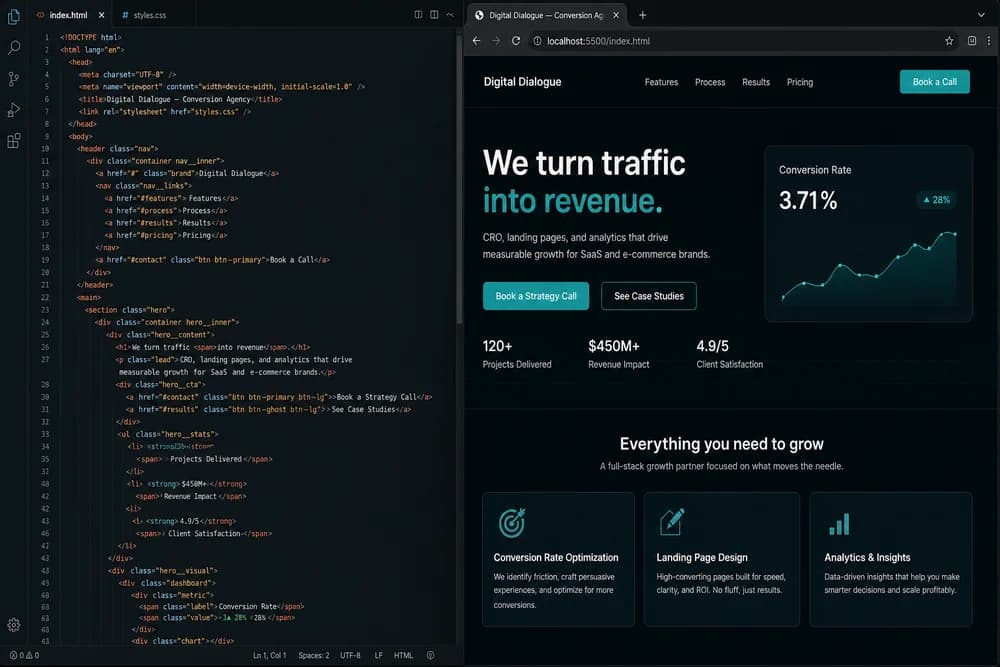
A focused exercise is creating a full conversion page with semantic sections and clean flow. This guide can help: How to Build a Landing Page with Only HTML and CSS.
How these fixes improve your career progress
Beginners often think employers only care about frameworks. In real teams, clear HTML still matters because it affects:
Accessibility compliance
Page performance and maintainability
Collaboration between design and development
Reliability of testing and automation
If you can avoid common markup mistakes, you become easier to trust on production work.
Final takeaway
Do not try to memorize every HTML edge case. Focus on repeat mistakes that cause the biggest project friction: structure, headings, forms, interactions, and media semantics. Fix those consistently, and your frontend quality improves much faster than jumping between tools.