JavaScript can feel overwhelming at first because there is always another tool, framework, or trend. In 2026, the best beginner strategy is still simple: learn core JavaScript well enough to build real browser features, then layer frameworks on top. If your foundation is weak, every modern stack feels harder than it should.
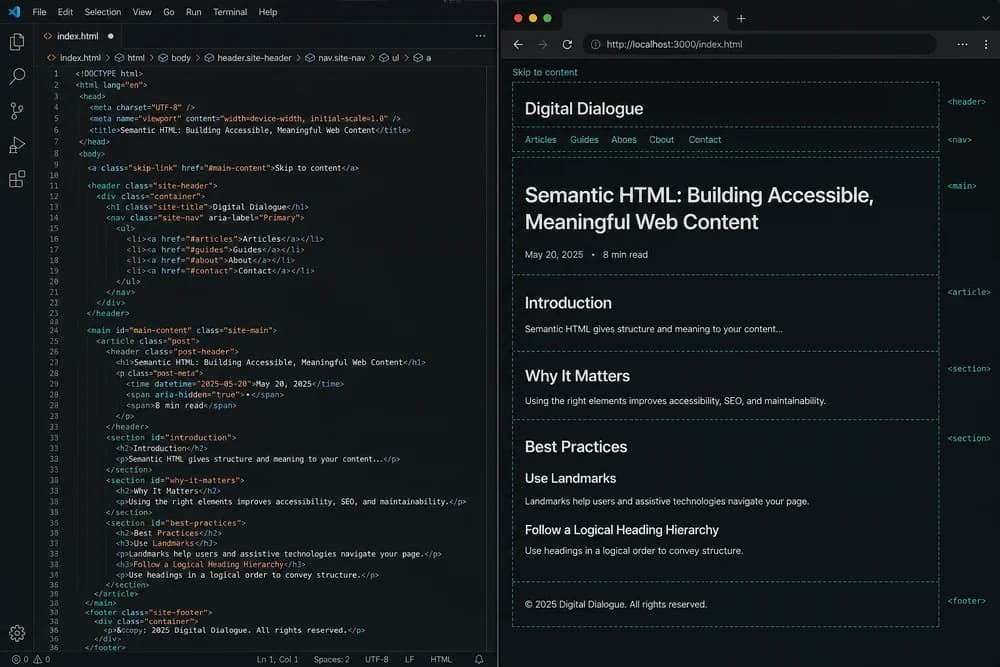
Before diving into scripting, make sure your page structure is solid with HTML in 2026: Still Relevant in the Age of AI. JavaScript is easier when your markup already makes sense.
What to learn first, in order
You do not need to master everything before building projects. You do need an order that prevents confusion.
1) Syntax and data basics
Start with:
Variables (
let,const)Primitive types (string, number, boolean, null, undefined)
Objects and arrays
Basic operators and comparisons
The goal is not memorizing every operator. The goal is reading code and predicting what values look like at each step.
2) Control flow and functions
Next, learn how code branches and repeats:
if/elseswitchin simple casesLoops (
for,for...of,while)Function declarations and arrow functions
Functions are where beginner code becomes reusable code. Learn to break one big task into small functions with clear input and output.
3) Array methods and object patterns
This is where many beginners level up quickly:
map,filter,find,reduceDestructuring
Spread syntax
Optional chaining
These patterns appear in almost every frontend codebase, even when frameworks differ.
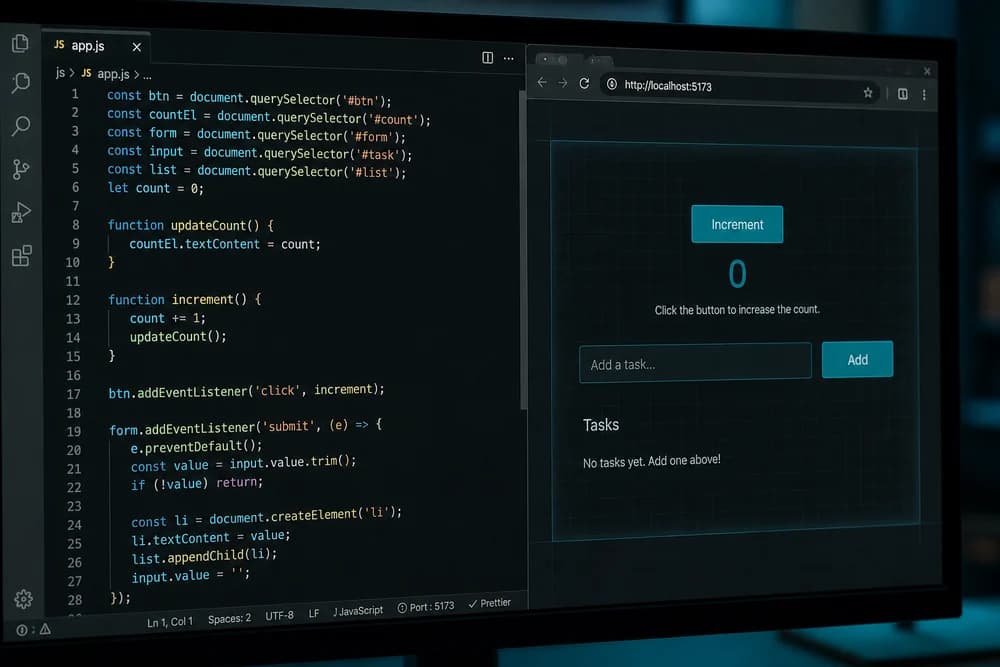
4) DOM selection and events
Once language basics are stable, connect JavaScript to the browser:
Selecting elements
Reading and updating text or attributes
Adding and removing classes
Handling click, input, and submit events
Pair this with clean structure from Semantic HTML Checklist for SEO and Accessibility, because semantic elements are easier to target and manage.
5) Asynchronous JavaScript
You cannot avoid async work in real projects. Learn:
Promises
async/awaitfetchError handling with
try/catch
Do not rush into advanced patterns too early. First become comfortable with loading data, handling failures, and updating UI states.
What beginners should postpone
Trying to learn everything at once causes most burnout.
Postpone until your core is stable:
Deep framework internals
Complex state management libraries
Build tool customization
Micro-optimizations
Advanced metaprogramming
You can still use frameworks early, but do not use them to avoid learning JavaScript. Use them as an environment where your JavaScript decisions still matter.
A project-first practice plan that actually works
If you feel stuck watching tutorials, switch to a project loop. Build small, complete features and ship them.
Week 1: Interaction basics
Build:
A to-do list with add, complete, and delete
A character counter for a textarea
A simple form validator
Focus on event handling and state updates in plain JavaScript.
Week 2: Data and rendering
Build:
Product cards rendered from an array
Search filter over a list
Sort controls for mock data
This strengthens array methods and conditional rendering logic.
Week 3: API and async flows
Build:
Weather lookup
User directory with loading and error states
Pagination with "load more"
Do not hide errors. Show fallback messages and retry options.
Week 4: One polished mini-app
Combine previous skills into one browser app:
Clean semantic HTML
Organized CSS
JavaScript interactions and API calls
For styling direction, review CSS in 2026: What Still Matters so your UI does not fall apart when features grow.
Common JavaScript mistakes beginners make
Most beginner bugs come from a few repeat patterns.
Confusing values with references
Objects and arrays are reference types. Copying incorrectly can mutate original data when you did not expect it. Learn shallow copy patterns with spread syntax, and be explicit when updating nested structures.
Mixing UI logic and data logic everywhere
If all logic sits inside one event handler, debugging becomes painful. Split code into functions:
Data transformation functions
DOM update functions
Event orchestration functions
This makes code easier to test and reuse.
Ignoring edge cases in user input
Handle empty input, invalid values, and slow network responses. Strong beginner projects look calm under bad input, not only perfect clicks.
Not reading error messages carefully
Do not panic and rewrite everything when code fails. Read:
Exact error line
Stack trace path
Value shapes using
console.log
Debugging skill compounds faster than syntax memorization.
How JavaScript fits with HTML and CSS
Frontend growth is easier when you treat each layer as a partner:
HTML provides structure and meaning
CSS controls layout and visual clarity
JavaScript handles behavior and data flow
If your HTML is messy, JS selectors and accessibility both get worse. If CSS is inconsistent, JS-driven UI states look broken. Review Common HTML Mistakes Beginners Make (and How to Fix Them) when your scripts feel harder than expected.
A beginner-friendly tool setup in 2026
You do not need a complex setup on day one. Start with:
A code editor
Browser devtools
Local static server
Git for version history
As you progress, add linting and formatting for consistency. Keep setup minimal until it solves a real pain.
How to decide when you are ready for frameworks
Many beginners ask, "When should I move from plain JavaScript to a framework?" A practical answer is: move when you can build small features confidently without copying every line.
You are likely ready when you can:
Handle form state and validation in plain JavaScript
Fetch data and render loading, success, and error states
Break logic into reusable functions
Debug a DOM issue without guessing
If these still feel hard, jumping early can hide weak fundamentals and slow your progress. If these feel manageable, a framework will feel like leverage instead of confusion.
A simple quality checklist for every practice project
Before calling a project "done," run this quick review:
Behavior check
Main interactions work on first try
Empty states and invalid input are handled
Network errors show useful feedback
Code check
Repeated logic moved into functions
Variable names explain intent
No dead code or commented-out experiments
Usability check
Buttons and links are clear
Text is readable on mobile
Keyboard users can complete key actions
This checklist keeps you focused on real frontend quality, not just "it runs on my machine."
Can you build useful pages before frameworks?
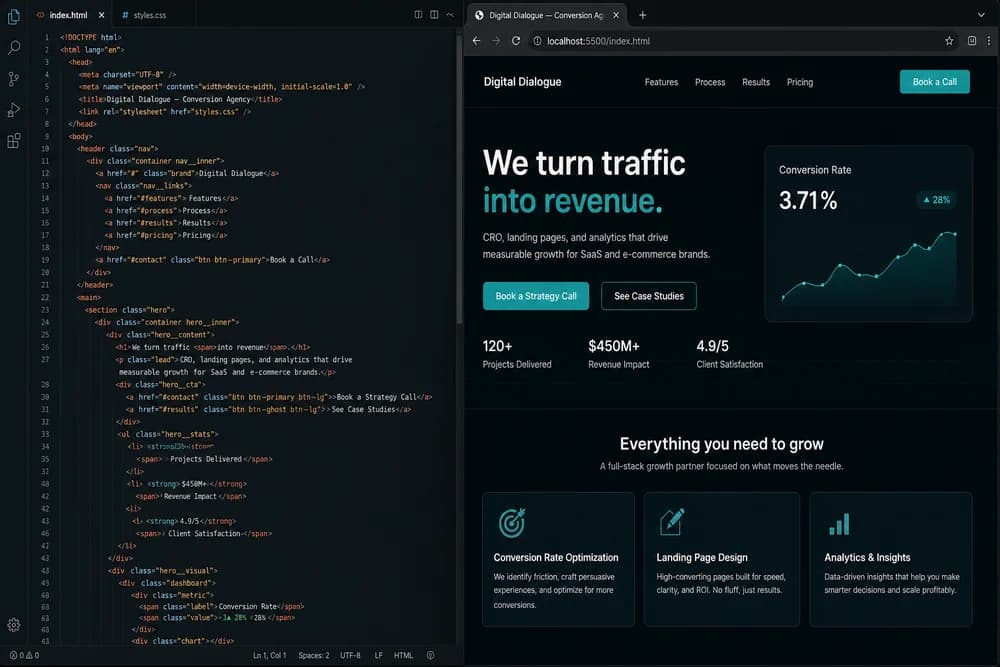
Yes, and you should. A strong exercise is building a conversion page with no framework and no JavaScript dependencies first. Try How to Build a Landing Page with Only HTML and CSS, then add lightweight JavaScript enhancements like form validation or dynamic testimonials.
Practical next step
Pick one small feature you can complete this week, then finish it end to end: structure, style, behavior, and debugging. In 2026, beginners who can complete and polish small real features stand out more than those who can name every tool in the ecosystem.