
Upwork is not a pure free marketplace once you start working. Freelancers pay to apply (Connects) and share a cut of earnings (service fees). Clients pay marketplace fees when they hire. Optional memberships and add-ons can raise costs further. For how the platform fits together beyond fees, see What is Upwork and How Does It Work.
Exact percentages and package prices change over time, so treat this article as a practical map of cost types and how to plan around them. Before you set rates or accept an offer, confirm the current numbers on Upwork’s official fee and membership pages.
The short answer
For freelancers, Upwork cost usually means:
Connects to submit proposals (and more for boosts)
A service fee taken from contract earnings
Optional paid membership features
Withdrawal or currency conversion costs depending on payout method and country
For clients, Upwork cost usually means:
Freelancer project or hourly charges
Marketplace / service fees on top of those charges
Optional client plans or hiring features depending on how they use Upwork
If you only remember one thing: price your work after fees, not before.
Freelancer cost 1: Connects
Connects are the tokens used to apply for most jobs. New accounts often receive a starting allotment. After that, freelancers buy more or receive recurring Connects through certain membership tiers.
What affects Connect spend:
How many proposals you send
How many Connects each job requires
Whether you boost proposals
How selective you are
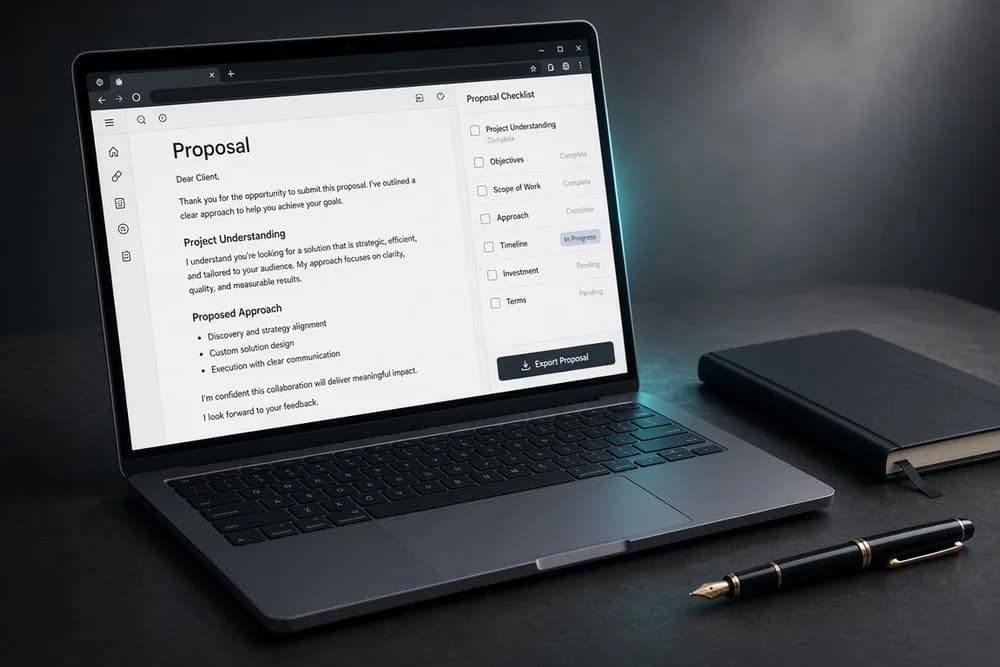
A cheap Connect purchase can still become expensive if you waste applications on poor-fit jobs. Budget Connects weekly the same way you would budget ads for a small service business. Spend them on tailored pitches, not mass applications; How to Write an Upwork Proposal That Wins Jobs covers what makes an application worth the Connects.
Practical Connects rules
Read the full post before you spend
Prefer jobs that match portfolio proof
Cap daily or weekly applications so you review quality
Boost only when the fit is strong and the pitch is already specific
Freelancer cost 2: Service fees on earnings
Upwork charges freelancers a service fee on billings with a client. Historically this has used a sliding model: a higher percentage on early billings with a client, then lower percentages after you cross billing thresholds with that same client.
Why this matters:
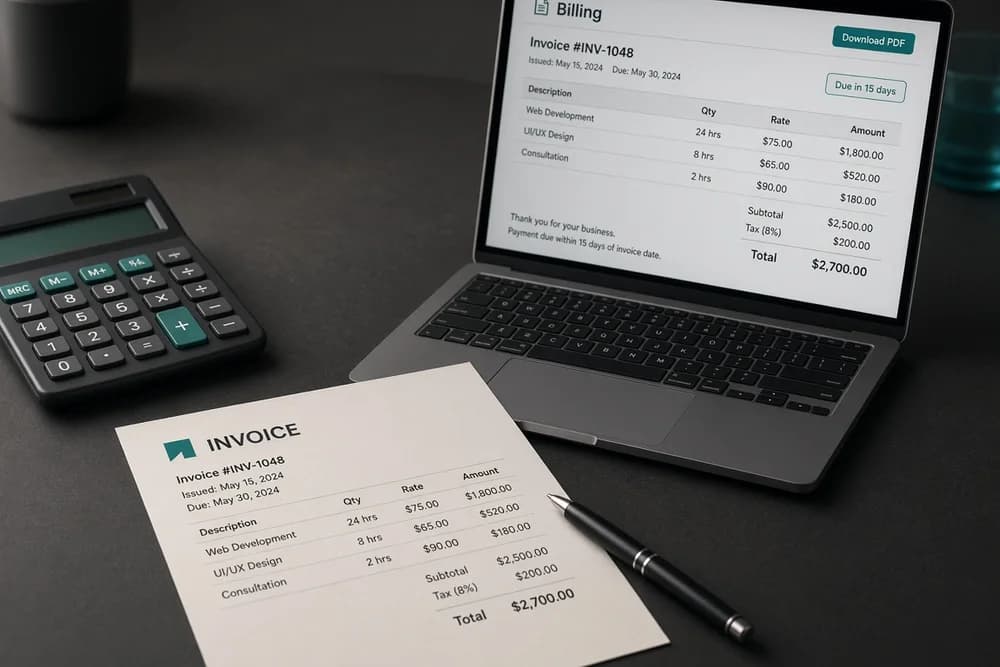
Your posted rate is not your take-home rate
A $30/hour profile rate is not $30 in your bank after fees
Long relationships with the same client can become more fee-efficient over time under a sliding model
Because fee tiers can change, verify the live structure before you negotiate a long contract. Build a simple calculator for yourself:
Start with desired take-home
Add platform service fee
Add estimated payout / conversion costs if relevant
Quote that higher gross number on Upwork
Freelancer cost 3: Memberships and extras
Upwork offers freelancer membership options that may include more Connects, insights, or other tools. Whether membership is worth it depends on proposal volume and win rate.
Membership is more likely worth testing if:
You already send consistent tailored proposals
You regularly run out of Connects on good-fit jobs
You can measure replies and hires against the monthly cost
Membership is usually a weak buy if your profile is unfinished or your proposals are generic. Paying more to send weak pitches faster does not fix the core problem. Finish How to Create an Upwork Profile That Gets Noticed before you upgrade membership just to buy more volume.
Freelancer cost 4: Getting paid
After Upwork fees, payout method can add friction:
Withdrawal fees (depending on method)
Currency conversion spreads
Minimum thresholds or processing times
Local banking or third-party wallet requirements
Set up payout early and learn the real landed amount from a small withdrawal test when you can. Country and method matter more than marketplace brand slogans. If you are comparing fee pressure across platforms, also read Which Freelance Platform Is Best for You? and the lower-fee angle in Uwerx / Werx: A Lower-Fee Freelance Marketplace.
Client cost: what companies and individuals pay
Clients do not only pay the freelancer’s rate. They typically also pay Upwork marketplace fees on contracts. The fee structure can differ by client plan, contract type, or hiring product.
For clients comparing platforms, the honest comparison is:
Total cost to hire = freelancer charge + marketplace fees + time spent managing the contract
A slightly higher freelancer rate with clear scope can still be cheaper than a low bid that creates endless revisions.
Clients should also budget for:
Discovery time and interviews
Milestones that unlock work in stages
Possible change orders when scope expands
How freelancers should set rates around fees
Use this workflow:
Decide your minimum take-home for the work
Check current Upwork freelancer service fee for that contract context
Gross-up your rate or fixed price so take-home still clears your minimum
State scope clearly so “cheap” change requests do not erase margin
Revisit rates after you have feedback and faster delivery speed
Example thinking (illustrative, not a live fee quote): if you need $200 take-home and the platform keeps a percentage, your fixed-price milestone must be higher than $200 before payout costs.
Do not compete only on being cheapest. Compete on clear scope and proof. Fees make race-to-the-bottom pricing even more painful.
How clients should evaluate bids with fees in mind
When you review proposals:
Compare total project cost, not just the headline bid
Prefer clear milestones over vague cheap quotes
Ask what is excluded
Factor marketplace fees into your budget before you post the job
A well-scoped mid-range freelancer often costs less in calendar time than the lowest bid that needs constant correction.
Hidden “costs” that are not line items
Some Upwork costs are time and opportunity:
Hours spent on proposals that never reply
Underpriced first jobs that consume weekends
Disputes from unclear scope
Slow payout setup discovered after the first earn
These are controllable. Better targeting, written scope, and early account setup reduce them. For the hiring loop that turns fee spend into contracts, use How to Get a Job on Upwork: A Beginner’s Guide. For full platform setup, keep How to Use Upwork as a Beginner: A Step-by-Step Guide nearby.
Cost checklist before you commit
Freelancers
I know how Connects fit my weekly proposal plan
I checked current service fee logic
My rates are grossed up for fees
My payout method is ready
I understand membership is optional, not mandatory
Clients
I budgeted marketplace fees on top of freelancer charges
My job post includes scope boundaries
I am comparing total hire cost, not only bids
I will keep work on-platform for payment protection
Next step
Open Upwork’s current freelancer and client fee pages and write your real numbers next to your target take-home or hiring budget. Then adjust one rate card or one job budget today so the first contract does not surprise you after fees. Knowing how much Upwork costs is less about memorizing marketing pages and more about quoting with margin intact.