Upwork is usable for beginners if you treat it like a sales channel, not a job board that magically fills your calendar. You create an account, finish a credible profile, spend Connects on jobs you can deliver, write short proposals tied to the brief, then run work through contracts and get paid through Upwork’s payout tools. If you still need the platform basics first, start with What is Upwork and How Does It Work.
This guide is for people who have a skill they can ship in days or weeks (writing, design, development, VA work, research, and similar). It is not for anyone still deciding what to sell. If freelancing itself still feels uncertain, read Pros and Cons of Freelancing: Is It Right for You? before you open an account. If you cannot describe your deliverable in one paragraph, fix that first.
Step 1: Create and verify your account
Sign up as a freelancer, then complete identity and profile basics early.
Do this in order:
Register with a professional email you check daily
Choose a clear display name (your real name is usually fine)
Complete identity verification when Upwork asks for it
Add a payment method for Connects and a withdrawal method for earnings
Turn on two-factor authentication
Skip the urge to apply for jobs before verification and payout setup are done. A first client is a bad time to learn your withdrawal method is pending review.
Step 2: Pick one offer, not ten niches
Beginners stall when the profile tries to be “full-stack everything.” Clients hire for a specific outcome.
Pick one primary offer:
What you deliver (e.g. WordPress landing page, blog rewrite, logo concepts)
Who it is for (startup, small business, agency)
Typical timeline and starting price range
You can add related skills later. Day one needs one clear promise and a few samples that prove it.
Step 3: Build a profile that can sell without you in the room
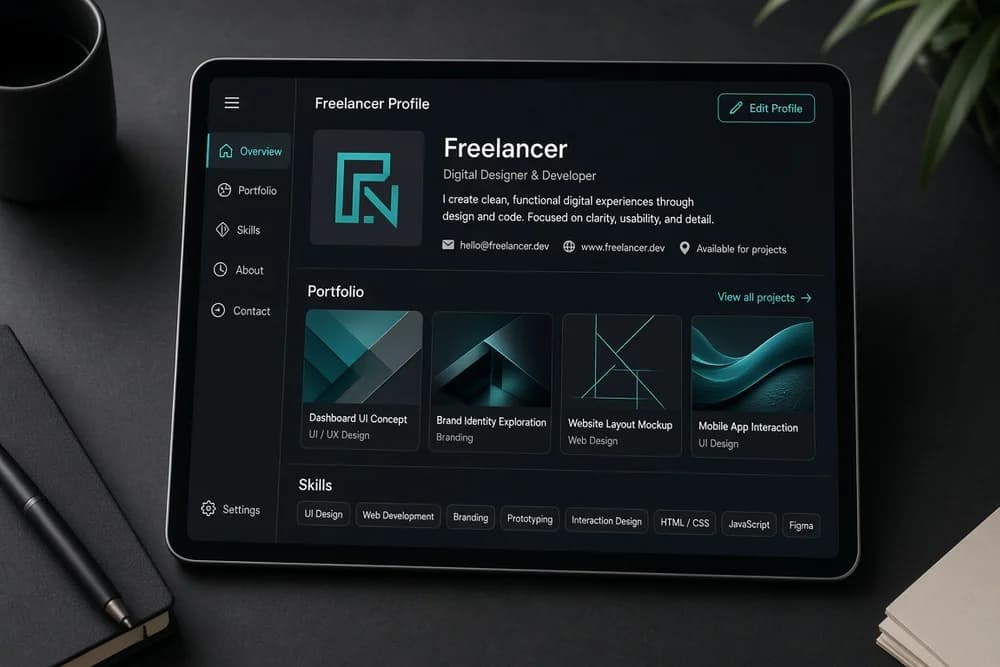
Your profile does most of the selling before a client replies. Focus on:
Photo: clean headshot, plain background, face visible
Title: specific skill + outcome, not “Hardworking Freelancer”
Overview: who you help, what you deliver, how you work, and what to do next
Portfolio: 3 to 6 pieces with short captions (goal, what you did, result)
Skills: only skills you can defend in a discovery call
Employment / education: keep it honest and relevant
Do not invent years of experience. A labeled sample project plus a clear process beats inflated claims that collapse under questions.
For a deeper pass on titles, overview, and portfolio setup, use How to Create an Upwork Profile That Gets Noticed once your basics are live. Finish the skeleton first so you can start proposing.
Step 4: Understand Connects before you burn them
Connects are Upwork’s application currency. Most proposals cost some number of Connects. Boosted proposals cost more.
Practical rules:
Read the full job post before you spend Connects
Skip vague posts, unpaid “trials” that equal full project work, and budgets that cannot cover your minimum
Prefer jobs that match your portfolio closely
Track what you spend each week so you notice waste early
Buying Connects is normal. Wasting them on generic copy-paste pitches is the expensive part. For how Connects, service fees, and memberships fit together, see How Much Does Upwork Cost? Fees for Freelancers and Clients.
Step 5: Find jobs worth applying to
Use search and filters, then read like a skeptic.
Stronger beginner filters:
Posted recently (fresh jobs get faster attention)
Clear scope or clear problem statement
Budget that fits your floor rate
Client history that does not scream chaos (use judgment; new clients can still be fine)
Skills that match what you already show in your portfolio
Save a short list of search queries for your niche. Checking the same queries daily beats scrolling randomly for an hour.
Step 6: Send tailored proposals (not templates with a name swap)
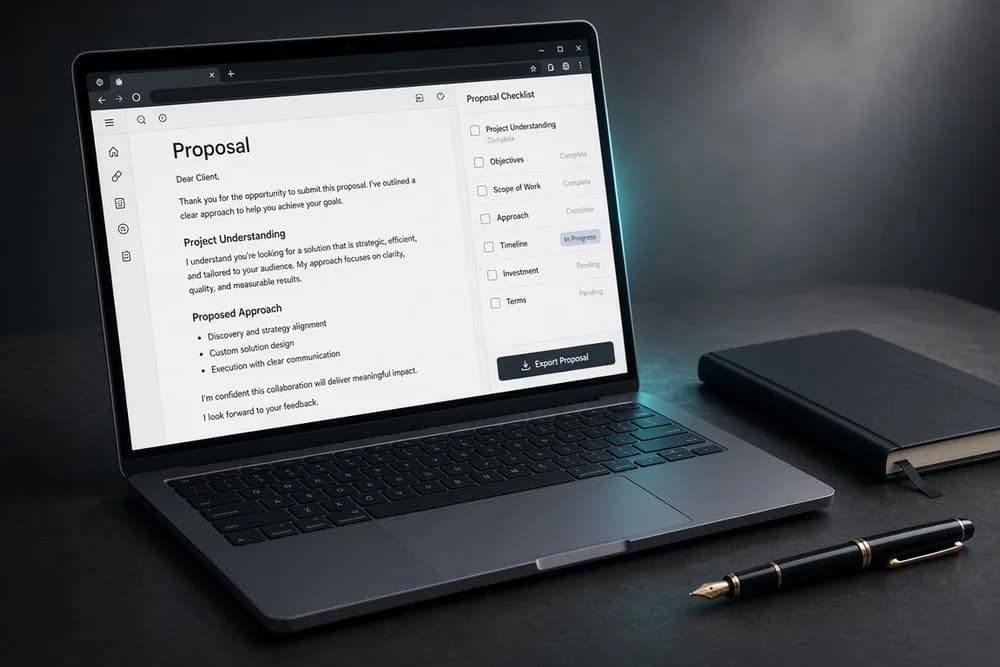
A beginner proposal that wins is short and specific:
One line that shows you read the post
Two to four lines on how you would approach their problem
One relevant sample or portfolio link
A clear next step (quick call, questions, or a scoped outline)
Common beginner mistakes:
Opening with your life story
Listing every tool you have ever touched
Quoting a price with no scope boundary
Sending the same paragraph to twenty jobs
Ten tailored proposals beat fifty generic ones. For a full proposal structure and what to cut, use How to Write an Upwork Proposal That Wins Jobs after you have sent your first batch.
Step 7: Interview and scope before you celebrate
A reply is not a contract. When a client messages you:
Ask clarifying questions about goals, deadline, assets, and decision makers
Restate scope in plain language
Confirm what is included and what is not
Agree on milestones for fixed-price work, or weekly expectations for hourly work
Keep communication on Upwork until a contract is active
If the client pushes you off-platform before a contract, that is a red flag. Payment protection exists for a reason.
Step 8: Start the contract the clean way
Once terms are clear:
Send or accept the offer through Upwork
Confirm the milestone plan or hourly setup
Deliver inside the agreed scope
Communicate early if something blocks progress
Submit work for review through the platform tools
For fixed-price jobs, milestones keep both sides honest. For hourly jobs, track time accurately and keep work diaries clear enough that a client can follow progress without chasing you.
Step 9: Get paid and protect your rating
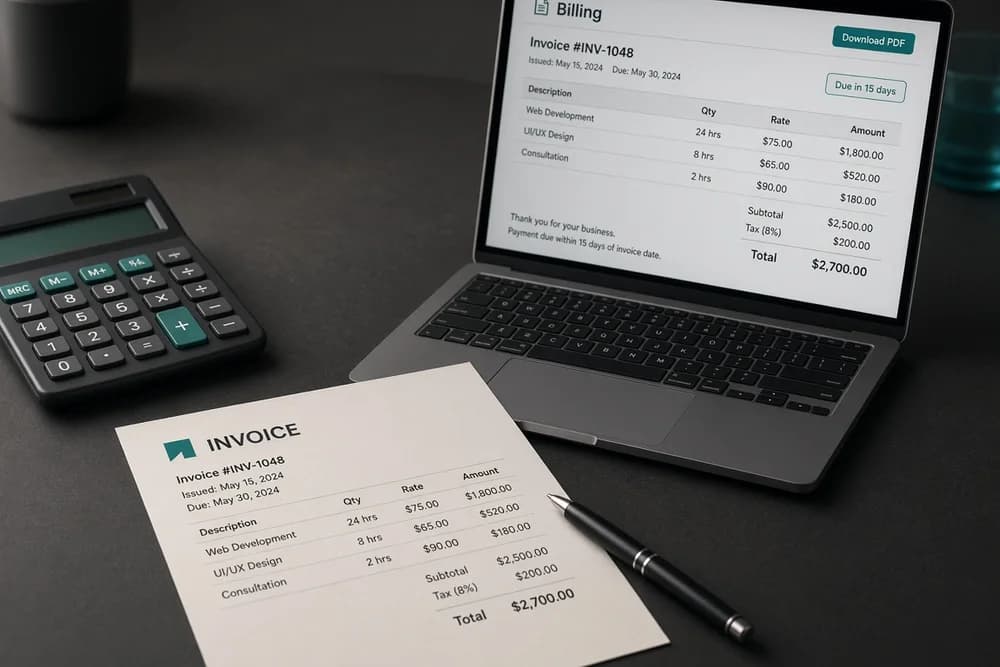
Set up withdrawals before money arrives. Many freelancers use bank transfer options or third-party payout services depending on country. Complete any tax or identity forms Upwork requires so funds are not stuck.
After delivery:
Ask for feedback when the client is happy
Handle revisions within the agreed scope
Stay calm in disputes; document what was agreed in writing
Do not start unpaid “extra” work that balloons scope without a change to the contract
Your first few ratings matter more than your first few dollars. Deliver early when you can, and keep messages professional even when a client is slow.
A simple first-week checklist
Day 1 to 2:
Account, verification, payout method, 2FA
One offer definition + title + overview draft
Day 3 to 4:
Portfolio pieces uploaded with captions
Skills and rate set to something you can defend
Day 5 to 7:
Saved searches for your niche
5 to 10 tailored proposals
Notes on which job types got views or replies
Who should wait before using Upwork
Skip or pause if:
You cannot show any sample of the work you want to sell
You only have time for one proposal a week and expect fast results
You need guaranteed income this month from freelancing alone
Upwork rewards consistency and clarity. It punishes empty profiles and spray-and-pray applications. If you want the wider beginner checklist beyond one marketplace, use Freelancing Guide for Beginners in 2026. If you are still choosing between Upwork and other platforms, compare options in Which Freelance Platform Is Best for You?.
Next step
Finish verification and payout setup today. Publish one clear offer with a few samples. Tomorrow, send five proposals that each reference a real detail from the job post, or follow How to Get a Job on Upwork: A Beginner’s Guide for a tighter hiring-focused plan. That loop (profile, targeted applications, scoped contracts) is how beginners actually use Upwork.