The best Upwork jobs for beginners are the ones whose output you can already demonstrate, not the roles a list calls "easy." Start where a client can see the result before hiring: a cleaned spreadsheet, an edited page, a set of support replies or one small website fix. Data entry, virtual assistance, writing and editing, customer support and small web tasks are common places to begin, and a first Upwork job goes more smoothly when the deliverable is small and a matching sample already exists.
"Entry level" is the experience level a client selects for a job. It is not a guarantee that a proposal will be accepted. If the platform is still new to you, start with how Upwork works, then use the table below with these beginner-friendly niches to shortlist one or two roles.
Quick answer: which beginner-friendly Upwork job fits you?
These beginner-friendly Upwork jobs are listed with suggested starting scopes. The scopes are examples of a manageable first brief, not standard prices, typical job sizes or guaranteed openings.
Job type | Sample first deliverable | Useful skill | Self-made proof |
|---|---|---|---|
Data entry | Clean a 200-row sheet | Spreadsheet accuracy | Before/after sheet |
Virtual assistant | Organize one week's calendar | Organization | Weekly organizer |
Online research | 30-row prospect list | Source checking | List with sources and dates |
Transcription | 10 minutes of clear audio | Listening, typing | Self-recorded transcript |
Translation | One 500-word page | Two languages | Practice translation |
Customer support | Replies from a help doc | Clear writing | Sample responses |
Content writing | Five product descriptions | Writing | Short sourced article |
Proofreading | Edit a 1,000-word draft | Grammar, consistency | Tracked-changes sample |
Social content | Five captions or graphics | Copy, basic design | Labelled spec pack |
Video editing | Trim and caption one clip | Basic editing | Captioned practice clip |
Ecommerce listings | Upload 20 products | Detail, platform basics | Mock listing sheet |
Website QA and fixes | Bug report or one CSS fix | Browser testing, CSS | Public practice project |
What "entry level" means on Upwork, and what it does not
People searching "what is Upwork jobs" usually want to know what the work actually is. In plain terms, Upwork jobs are project posts written by clients, each describing a task, a budget type and the experience they expect. When posting a job, a client chooses entry level, intermediate or expert, and sets the job as hourly or fixed price. Clients can also state location preferences, though global posts remain visible to freelancers elsewhere.
That label describes what the client expects. It does not certify that a task is simple, fairly paid or open to every country, and it does not lower the bar for proof. A newcomer applying to entry level Upwork jobs still has to show the ability to do the specific task. Lists of easy Upwork jobs for beginners often blur this point: a job can be simpler to scope without being easier to win.
New to Upwork is not the same as having no experience
No-experience Upwork jobs usually means "no Upwork history," not "no skill." Clients hire for evidence, and evidence can come from many places. Upwork's profile essentials allow student, internship, volunteer and off-platform work in a portfolio, as long as the work is your own and described honestly.
Useful sources of honest proof include:
Class projects: a research summary, a spreadsheet model or a website built for a course.
Volunteer work: social posts for a community group or data cleanup for a local organization.
Personal projects: a practice translation, a self-recorded transcript or a mock product listing.
Off-platform work: paid or unpaid work done outside Upwork, described accurately.
Label each piece for what it is. Never fabricate employment, clients, testimonials or paid-work history. A clearly labelled practice sample is more persuasive than an invented client story, and it holds up when a client asks questions.
12 entry-level Upwork job types to consider
Each of the entries below uses the same template: the deliverable, a useful existing skill, self-made proof, a small first brief and a red flag. The job labels themselves exist in Upwork's public freelance jobs directory, which confirms the categories but says nothing about current demand. Shortlist one or two roles. A profile offering all 12 reads as unfocused and makes every proposal harder to tailor.
1. Data entry and spreadsheet cleanup
Deliverable: transferring, deduplicating and formatting records into a clean sheet.
Useful skill: careful spreadsheet work, including sorting, filtering and basic formulas.
Self-made proof: a messy sample spreadsheet next to the cleaned version, with an accuracy check column.
Small first brief: a stated number of rows, one source format and one output format.
Red flag: vague, high-volume work with no row count, no sample file and no accuracy standard.
2. Virtual assistant and administrative support
Deliverable: a virtual assistant (VA) organizes inboxes and calendars, researches simple questions and formats documents.
Useful skill: organization, reliable communication and familiarity with common email and calendar tools.
Self-made proof: a sample weekly organizer or a formatted document template.
Small first brief: a defined set of tasks for a fixed number of hours per week.
Red flag: unclear availability expectations, or requests for passwords without clear privacy boundaries. Agree on working hours and access rules before starting.
3. Online research and lead-list building
Deliverable: source-backed research turned into a tightly defined prospect or information list.
Useful skill: checking sources, judging relevance and recording findings consistently.
Self-made proof: a sheet showing columns, inclusion criteria and the date each source was checked.
Small first brief: a clear definition of who belongs on the list and a fixed number of rows.
Red flag: a promise of a number of "qualified leads." Promise accuracy against the criteria, not sales results.
4. Transcription and caption cleanup
Deliverable: turning clear audio into accurately formatted text, or correcting auto-generated captions.
Useful skill: careful listening, fast accurate typing and consistent formatting.
Self-made proof: a short self-recorded audio clip with its transcript.
Small first brief: a stated audio length with expectations for timestamps and speaker labels.
Red flag: no information about audio length, quality or accents. Ask for these details before quoting.
5. Translation and localization
Deliverable: a translation that preserves meaning, tone and context, not just words.
Useful skill: genuine fluency in both languages of the pair.
Self-made proof: a short original text with a practice translation and notes on tricky phrases.
Small first brief: one page or one short document in a language pair you genuinely know.
Red flag: language pairs you only know through tools. Machine output alone is not expertise.
6. Customer chat and email support
Deliverable: answering defined questions from a help document, escalating edge cases and recording outcomes.
Useful skill: clear, calm writing and the judgment to know when to escalate.
Self-made proof: sample responses to common questions, presented as samples rather than past customer work.
Small first brief: a defined channel, help document and number of shifts or tickets.
Red flag: no help document or escalation path. Do not invent experience handling real customers.
7. Content writing and product descriptions
Deliverable: bounded formats such as product descriptions or a short sourced article.
Useful skill: clear writing for a stated audience.
Self-made proof: five sample product descriptions or one short article with sources.
Small first brief: a stated topic, audience, length and number of pieces.
Red flag: unclear originality expectations or "write 50 articles" for a test fee. The freelance writing guide covers how to build samples.
8. Proofreading and copy editing
Deliverable: correcting grammar, spelling and consistency, not rewriting the strategy of a piece.
Useful skill: a strong grasp of grammar and a style guide.
Self-made proof: a before/after practice sample with tracked changes.
Small first brief: one document of a stated length and the style guide to follow.
Red flag: academic work meant to be submitted as someone else's own. To take this further, see how to become an editor.
9. Social media content and basic design
Deliverable: a small pack of captions or branded graphics from a supplied brief.
Useful skill: short-form copywriting and basic layout in a design tool.
Self-made proof: self-initiated spec work, clearly labelled as samples.
Small first brief: a stated number of posts with brand colors and messages supplied.
Red flag: expectations of strategy or follower growth. Do not imply results expertise without proof.
10. Video captioning and simple short-form editing
Deliverable: trimming one supplied clip, adding captions and exporting to stated dimensions.
Useful skill: basic editing in any common video tool.
Self-made proof: a captioned practice clip made from your own footage.
Small first brief: one clip, one output format and a revision limit.
Red flag: advanced motion design or channel growth presented as simple editing.
11. Ecommerce product-listing support
Deliverable: entering supplied product data, variants, images and descriptions into a defined format.
Useful skill: attention to detail and basic familiarity with store dashboards.
Self-made proof: a mock listing sheet with variants and image notes.
Small first brief: a stated product count on a confirmed platform with access arranged.
Red flag: no product count, unclear platform access or unlimited revisions.
12. Website quality-assurance testing and small web fixes
Deliverable: quality assurance (QA) here means reproducible browser and mobile bug reports, or one bounded Cascading Style Sheets (CSS) or content fix.
Useful skill: methodical testing, clear bug write-ups and basic front-end knowledge.
Self-made proof: a public practice project with a sample bug report.
Small first brief: a stated set of pages and devices, or one described layout issue.
Red flag: "fix my site" with no details. Do not promise to repair an unknown codebase. Developers can apply this developer job filter and study these developer profile examples.
Which jobs should you skip as a complete beginner?
Some posts are a poor fit for a first project, whatever level the client selected:
Licensed advice: legal, medical, tax or financial work that requires a qualification.
Expert work disguised as entry level: a long list of senior skills attached to a beginner label.
Full builds at a tiny fixed budget: an entire app, store or brand for the price of a small task.
Account sharing: requests to use someone else's account or to share yours.
Unpaid production work: a "test" that is really the finished deliverable.
Tasks you cannot evidence: anything without a sample you can point to.
This is about fit, not a universal list of prohibited jobs. Many of these become reasonable later with more proof. Upwork's red flags guide adds free-work requests, pressure to communicate off-platform before a contract, and off-platform payments to the list of warning signs.
A real first Upwork win: what I targeted
I have worked for more than three years as a freelance Full Stack Developer, mostly with Next.js and React. I won my first Upwork project without paying for Connects. I did it by targeting beginner-friendly posts that showed few proposals and asked for work I could already show. That is one experience, not a typical result, and it does not mean the same posts exist for every skill or every week.
The job-post signals I used
Three signals mattered most. First, the post was beginner-friendly: a small, clearly described task rather than a long list of senior requirements. Second, proposal activity was low, which gave a new profile a better chance of being read. Third, the work matched something I could already show from my Next.js and React projects, so the proposal could point to real proof instead of promises. The checklist below turns those signals into a repeatable filter.
How to find a small first job without wasting Connects
Upwork says freelancers can search projects once their profile is approved, and that Connects are needed for most proposals. The Find work page supports keyword search, Advanced Search and filters on the left side, and Upwork's guide to searching for jobs notes that up to 30 searches can be saved. Save one focused search for each shortlisted role and check it on a routine, rather than scrolling every category.
On each post, look at the Connects required, the client's history and feedback, the proposal activity and whether the deliverable is clearly defined. The full hiring process, from targeting to the first contract, is in the Upwork job guide. When a post passes the checklist below, learn to write tailored proposals that answer that specific brief.
A five-point job-post checklist
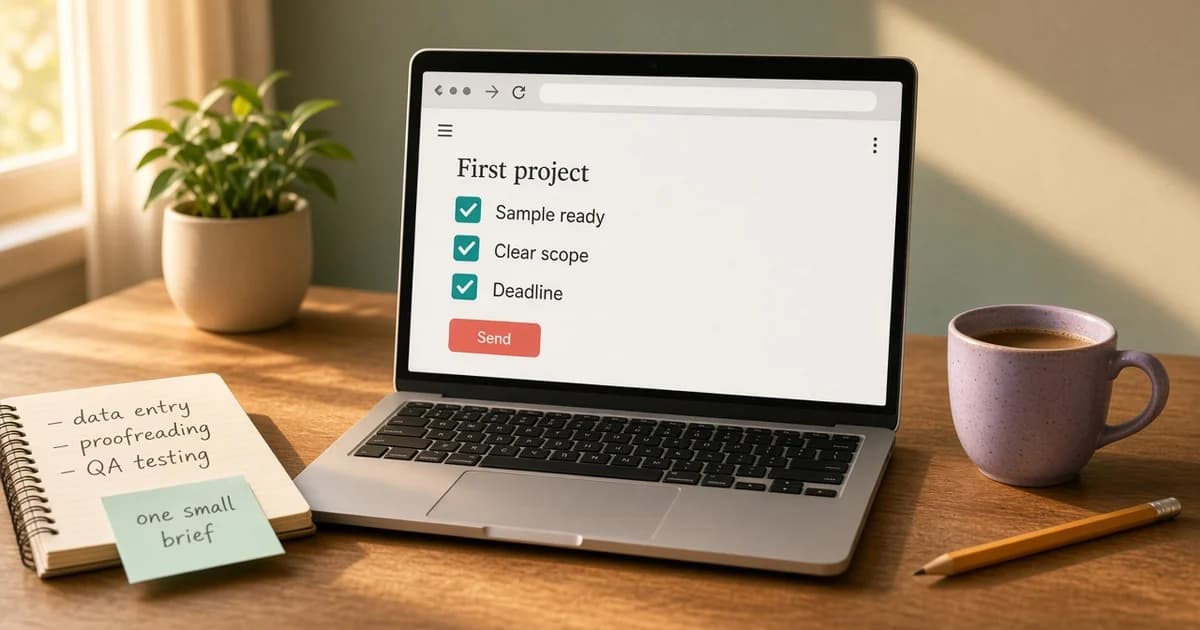
Matching sample: you have proof that fits this exact deliverable, not just the general category.
Bounded scope: the post states a clear output, quantity and deadline.
Readable brief and client signals: the brief makes sense, and the client's payment verification, hiring history and feedback look consistent.
Proposal activity: few proposals is a useful signal, never a guaranteed win.
Connects and fee effect: you know the Connects required and how the service fee affects what you keep.
If a post fails two or more points, skip it and keep the Connects for a better match.
What proposals, free Connects and invitations cost now
According to Upwork's Connects help page, checked on 5 November 2026, Upwork Connects are virtual tokens used for proposals and some ad products. They cost $0.15 each and are sold in bundles. The number required for a proposal varies by job, can change while the job is posted, and is shown on the post.
Free Connects depend on eligibility. Eligible new users may receive 50 after purchasing Connects or subscribing to Freelancer Plus, onboarding rewards may also be available, and some freelancers may receive 10 a month. Check your own account rather than assuming any allowance. Responding to an invitation costs no Connects, though an invitation does not mean the client will hire.
To decide whether a post is worth the Connects, read the guide on earning free Connects, or run the numbers in the Connects cost calculator.
Match your profile and one sample to the job
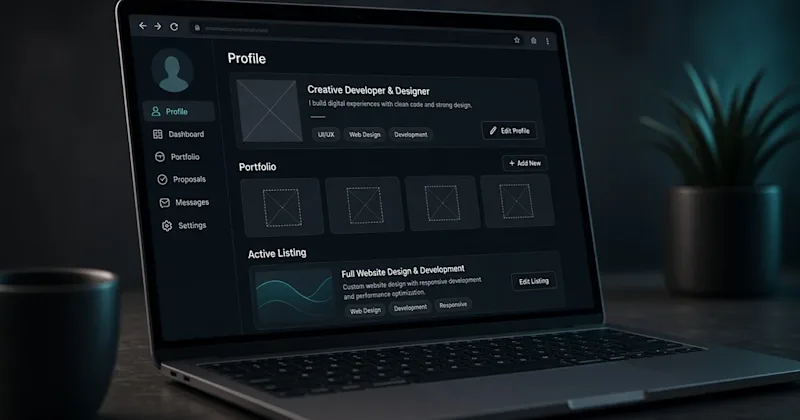
A focused profile makes each proposal easier to believe. A real profile portrait is required to complete a profile and submit proposals, and portfolio work must be your own.
Before (title): "Freelancer | Data Entry, Writing, Design, VA"
After (title): "Data Entry and Spreadsheet Cleanup | Accurate, Deduplicated Records"
Before (sample caption): "Excel work"
After (sample caption): "Practice project: cleaned a 200-row contact sheet, removed duplicates and standardized phone formats."
The Upwork profile guide covers the remaining fields, and Upwork's page on how to submit a proposal lists what each proposal includes: terms, duration, cover letter, screening answers and samples.
Upwork or Fiverr if you have no budget for proposals?
My advice for beginners with no budget is to start on Fiverr. Listing services there is free, while most Upwork applications require Connects. I reached Fiverr Level 1 within a month. That is my personal experience, not a forecast, and Fiverr does not guarantee orders any more than Upwork guarantees hires.
The trade-off is how work arrives. On Upwork, freelancers apply to client posts. On Fiverr, clients find a listed service and order it. For a side-by-side comparison, read Upwork vs Fiverr, or see what it takes to start on Fiverr.
A short note for students in Pakistan and South Asia
Many clients work several time zones away, so plan reply windows around classes and state them honestly in proposals. Before joining any platform, verify the current age, tax and payout rules that apply in your country. Location does not decide eligibility for every job, but some posts state location preferences, so read them before spending Connects.
After the first yes: scope, fees and delivery
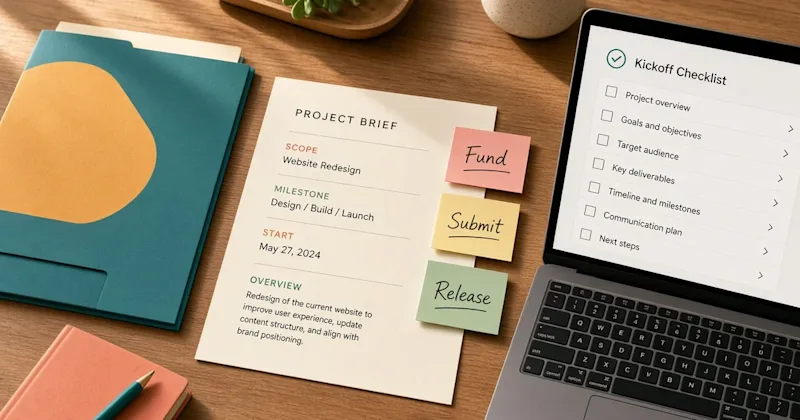
Confirm the scope: agree on deliverables, deadline, revision limits and terms inside the Upwork contract before starting.
Check the fee: Upwork's Freelancer Service Fee ranges from 0% to 15% per contract, is shown before submitting or accepting, and is fixed once the contract begins; the guide to freelancer service fees explains the details.
Know your numbers: the Upwork fee calculator estimates take-home pay, and the freelance rate calculator sets a personal rate floor.
Start under the right conditions: for fixed-price work, begin only after the milestone is funded.
Deliver carefully: follow the steps for what to do after you win, from kickoff to handover.
Ask for the next job: follow up professionally once the work is accepted.
Your next step: choose one job type and one small brief
Pick one role from the quick-pick table. Create one honest sample that matches its first deliverable. Save one focused search for that role, then assess a handful of relevant posts against the five-point checklist before spending any Connects. When a post passes, follow the Upwork job guide linked above to apply. For wider client-getting habits beyond Upwork, see these freelancing tips.